The 12 Most Common CCTV Problems
When a commercial CCTV system stops working properly, the problem is rarely dramatic. It is usually something specific: the footage is blurry, the night vision has gone, the DVR has stopped recording, or the mobile app will not connect. Most of the time there is a fix, and some of them you can do yourself.
This guide covers the 12 most common CCTV problems we see when we visit business sites, what causes them, and what to try first. We have also flagged which problems are straightforward to resolve and which ones genuinely need a professional to look at. Many of these faults are preventable with a planned CCTV maintenance schedule.
If your system has persistent problems, keeps developing new faults, or is simply too old to be worth fixing, the most useful thing you can do is book a free CCTV survey. We will assess the whole system, tell you exactly what is wrong and give you an honest recommendation on repair or replacement.
12 Common CCTV Problems and How to Fix Them is our quick troubleshooting guide to help you solve your CCTV issues.
Quick links to common problems
- The colours on my camera are off
- I only get black and white images
- There are horizontal lines on CCTV footage
- My CCTV video is flickering
- My CCTV camera footage is noisy or grainy
- No video signal
- My CCTV camera shows a black screen
- My CCTV camera is not working at night
- My camera shows deteriorated images at night
- My CCTV camera is not working on mobile
- My DVR is not recording anything
- My camera’s video is choppy
- Key takeaways: when to call a professional
1. Why Are the Colours on My CCTV Camera Off?
Distorted or unnatural colours are almost always a white balance issue. Cameras try to compensate for different lighting conditions automatically, but the automatic settings do not always get it right, particularly outdoors where the light changes throughout the day.
What to try: check whether your camera is set for outdoor or indoor use, as this affects how it processes colour. If the camera uses automatic white balance (sometimes labelled ATW or AWB), try angling it slightly away from the sky or nearby light sources, which often triggers a more accurate reading. If repositioning does not help, disable automatic white balance and adjust it manually.
If additional colour settings are available, such as hue or gamma adjustments, work through these until the image looks natural under different lighting conditions. Bear in mind that some cameras simply have limited colour range and will not produce accurate results in every ambient condition, which is a reason to upgrade rather than keep adjusting.
When to call a professional: if you have exhausted the settings and the footage still looks wrong, the issue may be a failing sensor.
Persistent colour problems that survive basic troubleshooting usually mean it’s time for a professional opinion.

4. Why Is My CCTV Video Flickering?
Flickering is one of the more frustrating CCTV problems because it is often intermittent, which makes it harder to diagnose. The most common causes are interference, an inadequate power supply, or ageing infrared LEDs.
What to try: start by ruling out the monitor. If the flickering only appears on one screen in full-screen mode, test the monitor separately. Check connectors and cables for damage, paying particular attention to shielding. If the camera has an analogue output, disconnect the video cable at the camera output and check whether the flickering continues on the monitor. If it does, the fault is at the monitor end rather than the camera.
If the flickering only occurs at night, the most likely cause is insufficient power for the infrared LEDs. Cameras draw more power in low light conditions and PoE installations in particular often run close to their power limits. Also check that all equipment is rated for 50Hz operation, as some power supplies and PoE switches require this to be set manually.
Ageing LEDs flicker in a way that is not visible to the naked eye but shows up clearly in footage. If the camera is several years old and the flickering is getting worse, the LEDs are likely at the end of their life.
When to call a professional: if basic checks have not resolved it, persistent flickering usually points to a power supply fault, an earthing issue, or a failing camera that needs replacing.
Persistent flickering is one of the more common reasons for an engineer visit.

6. Why Does My CCTV Camera Have No Video Signal?
No signal at all is the most urgent CCTV problem. Cameras that are not displaying anything may as well not be there. The good news is that this fault has a logical sequence of checks.
What to try: start with power. Check the power connectors and cables, and if there is an external power brick, test it separately. If the camera is on a fused power supply, check the fuse. If it uses PoE, check the PoE switch and confirm the camera is actually receiving power.
If the camera is powering up but there is still no image, the problem is in the video or data connection. Check the cable and connectors at both ends. If the camera is IP-based, check the network settings and confirm the camera is visible on the network. Check any network switches, routers, DVR boxes or video multiplexers in the chain, as any one of these can cause a complete loss of signal if it is malfunctioning.
If the camera uses video surveillance software, check whether any streams have been disabled or password protected within the application. Finally, physically inspect the camera for damage. A lens or dome that has been physically damaged may prevent the camera from producing any image even if everything else is working. A significant number of no-signal faults trace back to poor correct camera placement and cable routing at the time of installation, rather than a hardware failure.
When to call a professional: if power and connectivity checks are clear and the camera still shows nothing, you are likely dealing with a failed camera or a fault in the recording equipment.
Book a survey and we will diagnose it on site.



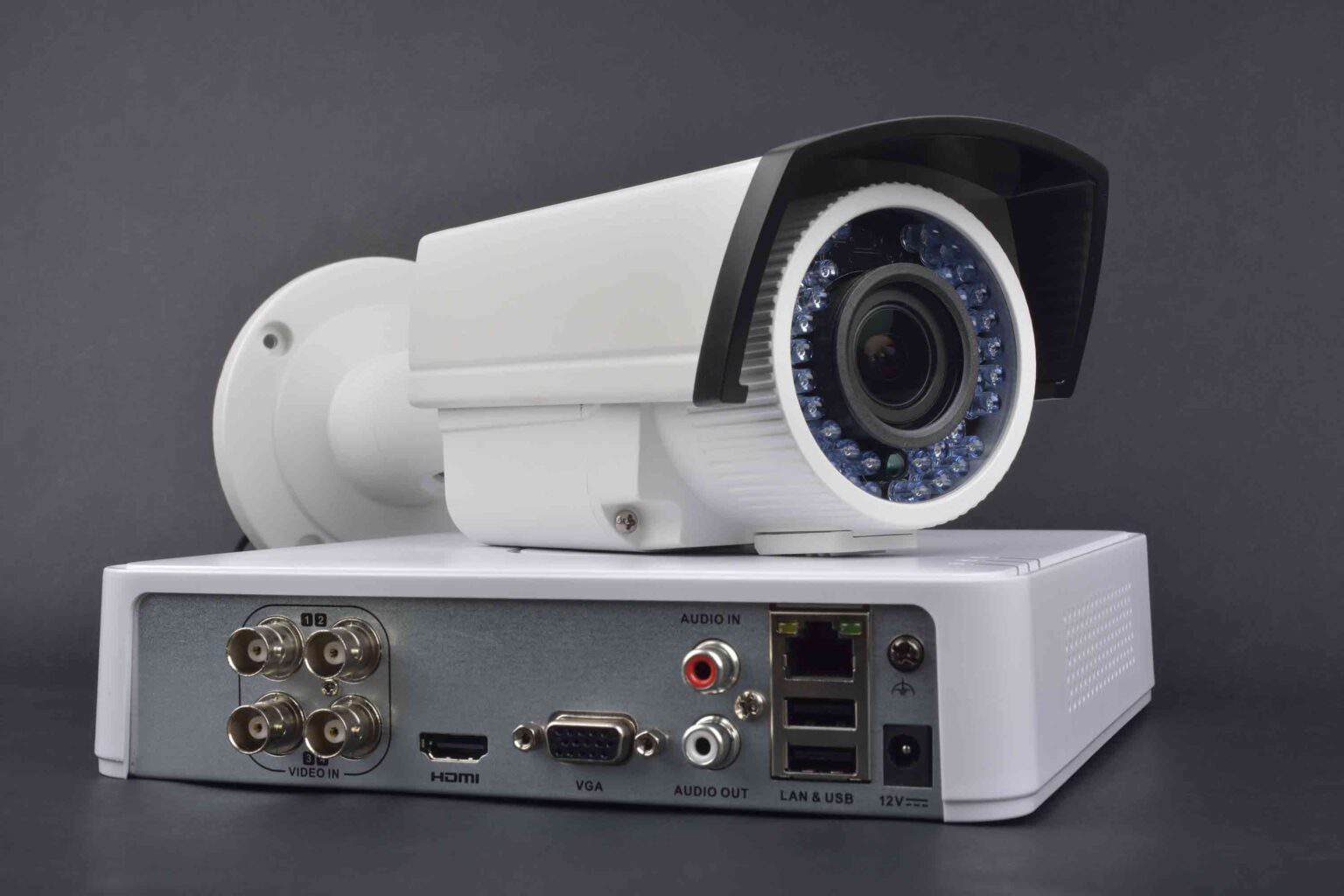
12. Why Is My CCTV Camera’s Video Choppy?
Choppy or jerky footage almost always points to a network bandwidth problem on IP camera systems. Analogue systems rarely produce choppy video, but network-connected DVR and NVR outputs can be affected by slow network connections.
What to try: check your camera’s video settings and confirm your network has enough bandwidth to carry the stream. A 4MP H.264-encoded stream requires approximately 8Mbps per camera. If you have multiple cameras on a network that cannot support the combined load, you will see choppy footage. For wireless CCTV cameras, check that the signal strength is adequate at the camera location, as RF interference can reduce effective Wi-Fi speeds significantly even when the camera appears to have a connection.
For wired cameras, check cables for shielding damage and confirm the cable type is appropriate for the run length. Cat6 supports Gigabit over a maximum of 100 metres. Check your NVR’s decoding capacity, as insufficient processing power can cause frames to be dropped, producing choppy playback. If the network itself has never been properly assessed, our office cabling and network auditing service will identify where the bottleneck sits. For PoE-heavy CCTV deployments, our PoE budget calculator helps confirm the switch has enough power budget for every camera.
When to call a professional: choppy footage across multiple cameras is often a sign that the network infrastructure is not fit for purpose, including the cabling, the switching, or the bandwidth allocation. Our team installs and upgrades structured data cabling and network infrastructure alongside CCTV systems, so we can address the root cause rather than just the symptom.
Choppy footage across several cameras is rarely something a single setting can fix. Not sure who to trust with the job? See our comprehensive guide to choosing a security camera installer.
Repair or Replace? How to Decide
Not every CCTV problem is worth fixing. These five signals tell you which way to go.
One isolated fault on an otherwise reliable system: repair. This is almost always the cheaper and faster option, and it is the right call for most of the problems on this page.
The same fault keeps coming back after repair: replace. A recurring problem usually means a component is nearing the end of its life rather than a one-off fault.
The system is eight to ten years old or more: replace. Older systems often cannot meet current resolution and evidential-quality standards, and replacement parts become harder to source.
Several faults are appearing at once, especially across different cameras: replace. This pattern usually points to a systemic issue in the network or power infrastructure rather than individual hardware failures.
The system works but needs frequent attention: an ongoing IT maintenance and support contract can catch problems before they become faults, without the cost of a full replacement.
Not sure which applies to you? Our engineers will give you a straight answer during a free site survey, including what CCTV installation actually costs in the UK if replacement turns out to be the right call. We recently completed a thermal imaging camera replacement and fibre upgrade for Kent Enviropower, and delivered Avigilon CCTV with integrated access control for Cabot Financial in Kings Hill — both replacement projects driven by exactly this kind of assessment.
Frequently Asked Questions – Common CCTV Problems
Q. Why is my CCTV camera not showing a picture?
The most common causes are a power failure, a damaged or disconnected cable, or a fault in the DVR or recording equipment. Start by checking that the camera has power, then work through the video connection from camera to monitor. If power and connectivity are confirmed and the camera still shows nothing, the camera itself may have failed. A professional engineer can diagnose the fault on site.
Q. Why does my CCTV footage look blurry or grainy?
Blurry footage is usually caused by a dirty lens, incorrect focus settings, or a camera that is not suited to the lighting conditions in its location. Grainy footage is more often caused by electrical interference in the cabling or power supply. Cleaning the lens and checking cable shielding are the first steps. If neither resolves it, the camera may need to be repositioned or replaced.
Q. Why does my CCTV not work at night?
Night vision failure on a rated camera is almost always caused by failing infrared LEDs, insufficient power supply for the LEDs, or incorrect camera configuration. Check that night mode is enabled and that the power supply meets the camera’s increased requirements after dark. Ageing cameras often lose night vision capability as the LEDs degrade over time.
Q. Why has my DVR stopped recording?
The most common causes are a full hard drive, a corrupted settings file that has reset recording to off, or a failing DVR drive. Check storage space, confirm recording is enabled, and check the recording schedule. If the drive appears healthy but recording has still stopped, the drive may be failing. This is urgent as you have no footage being captured. Contact a professional promptly.
Q. Why is my CCTV footage choppy?
Choppy footage on IP cameras is almost always a network bandwidth problem. A 4MP H.264 stream requires approximately 8Mbps per camera. If your network cannot support the combined load of all your cameras, you will see choppy footage. For wireless cameras check that signal strength is adequate. For wired cameras check cable condition and run length. If the problem affects multiple cameras, the network infrastructure may need upgrading.
Q. Can I fix CCTV problems myself?
Many CCTV problems including configuration issues, power and connectivity checks, lens cleaning, and simple repositioning can be resolved without professional help. Problems involving cabling faults, earthing issues, failing hardware, network infrastructure, or any situation where the system has stopped recording require a professional engineer with the right diagnostic equipment.
Q. When should I replace my CCTV system rather than repair it?
If you are experiencing multiple faults simultaneously, if the same problems keep returning after repair, or if the system is more than eight to ten years old, replacement is often more cost-effective than continued repair. Older systems also frequently produce footage that no longer meets the quality standards required by insurers and police for evidential use.
Q. How do I know if my CCTV system meets UK police standards for evidential quality?
The Home Office publishes requirements for CCTV image quality for police use. In practice this means cameras need to produce footage at a resolution and frame rate sufficient to identify individuals. Many older analogue systems and low-resolution IP cameras no longer meet these standards. A professional survey will confirm whether the footage quality would be usable in the event of an incident.


Written by
Wayne founded ACCL in 1997 and has led more than 28 years of project delivery, helping organisations design, install and modernise the network infrastructure behind reliable connectivity, office moves and refurbishments. His experience spans copper cabling, fibre backbones, data centre infrastructure, Wi-Fi, CCTV and access control. About ACCL