Wi-Fi site surveys
Predictive and on-site surveys before any access point goes up.
Explore Wi-Fi surveys →
Wireless Network Installation & Support London
Survey-led business Wi-Fi for offices, schools, retail, hospitality and warehouses in London, with secure segmentation and validation testing.
Planned around coverage, capacity, roaming and density.
Cat6 or Cat6A, PoE, access points and VLANs.
From about 70 to about 130 Cisco Meraki access points.
Coverage, roaming and security checked on site.
Business Wi-Fi installation
ACCL installs business Wi-Fi for offices, schools, retail, hospitality, warehouses and multi-site organisations across London and the South East. One team covers the site survey, access point design, structured cabling and PoE, security and roaming set-up, testing and handover. Book a free site survey, or try our Wi-Fi cost calculator for a rough figure first.
Predictive and on-site surveys before any access point goes up.
Explore Wi-Fi surveys →Meeting rooms, open floors and multi-floor offices.
Explore office Wi-Fi →High-density classrooms and campus coverage.
Explore school Wi-Fi →Tills, guest access and shopping centres.
Explore retail Wi-Fi →Wi-Fi projects
Four Wi-Fi projects, from a ten-day office move to a stadium and training ground upgrade.
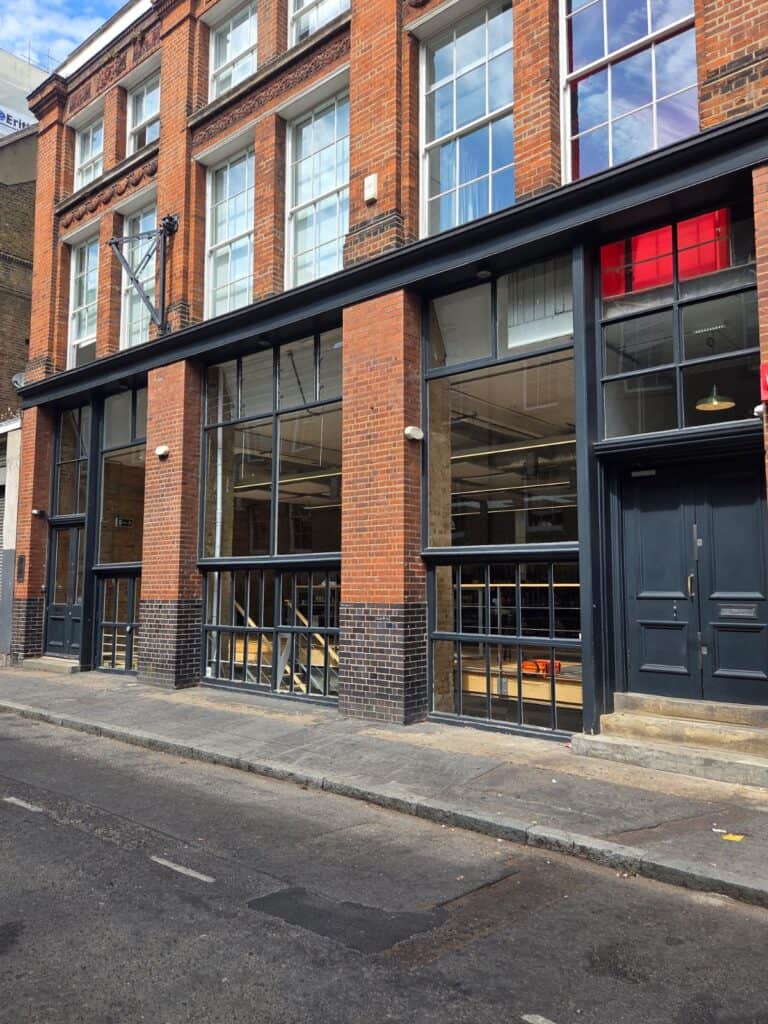
A Wi-Fi-first office network for Tidraw’s Old Street HQ in ten days, with an Ekahau survey and 7 access points.
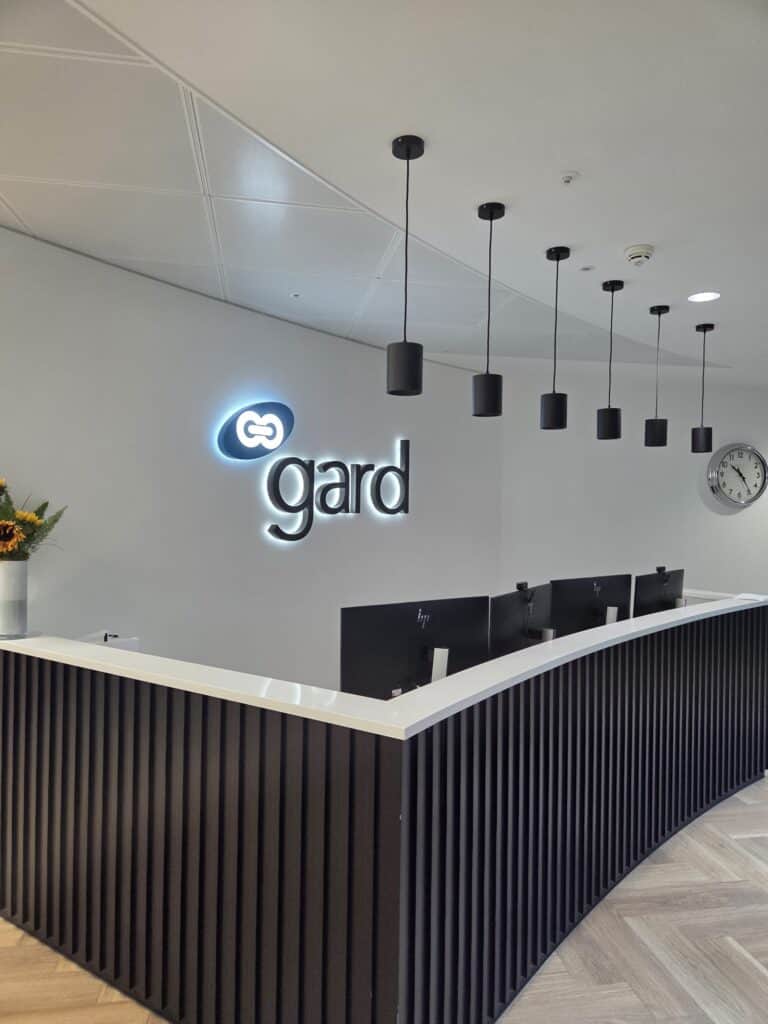
ACCL delivered a Wi-Fi-first infrastructure upgrade for Gard (UK) Limited: 22 Excel Cat6A links to 11 access points, tested and certified in one weekend.

Southampton FC Wi-Fi upgrade by ACCL: from approximately 70 HP access points to around 130 Cisco Meraki APs across St Mary’s Stadium and Staplewood.
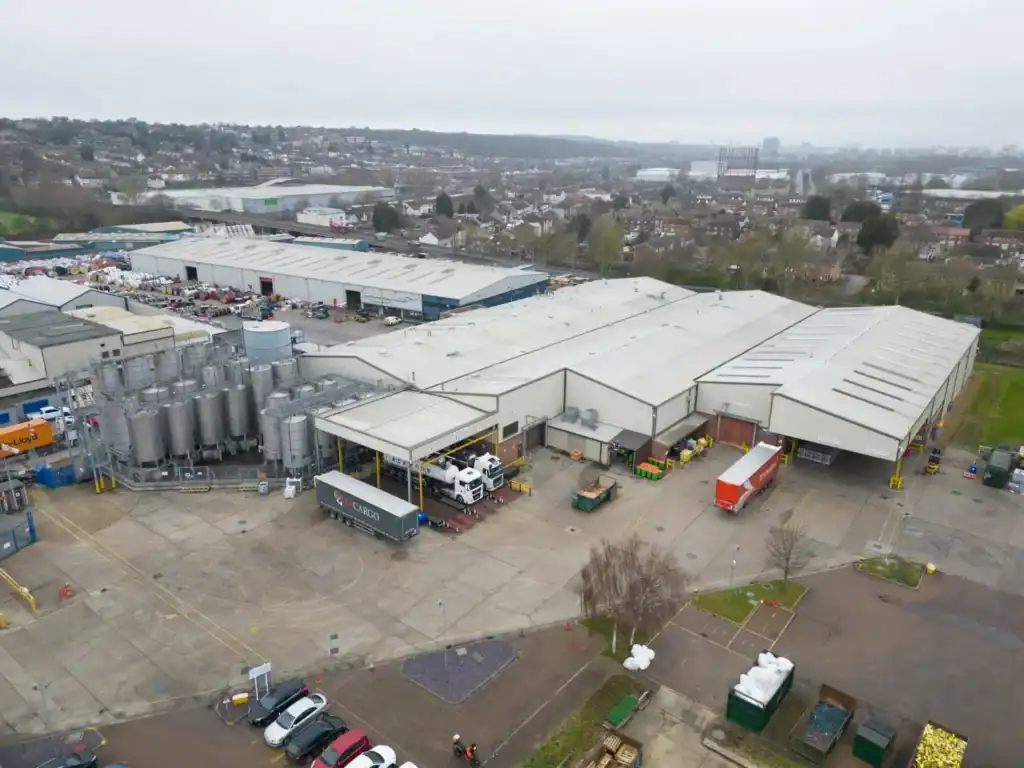
Edible Oils Erith structured cabling by ACCL: Cat6a, diverse OM4 fibre and high-bay Wi-Fi supporting four new production lines around live production.
Wi-Fi solutions we install
Not a one access point per floor guess. Depending on the site, an installation can include:
Offices, schools, clinics, retail units and warehouses, designed to balance coverage and capacity around dense walls, glass, lift shafts and plant rooms.
Campuses, yards, terraces, car parks, event spaces and large venues, with weatherproof access points and planned backhaul.
Secure guest Wi-Fi isolated from corporate systems, and staff Wi-Fi with role-based access, VLANs and WPA3 where supported.
Classrooms, lecture halls, conference rooms and hospitality venues where many devices connect at once.
Access point installation with PoE switching and structured cabling, plus controller or cloud-managed configuration with admin handover.
Tell us the building, the user numbers and the problem areas. We will suggest a survey or a lighter assessment.
Book a Free Site SurveyWhen to redesign your Wi-Fi
If these sound familiar, it is usually faster, and cheaper in the long run, to redesign the Wi-Fi properly than to keep adding extenders.
Our Wi-Fi installation process
A survey-led approach avoids the common mistakes: poor access point placement, interference, weak roaming and undersized capacity.
We confirm what good Wi-Fi means for your site: building type, users and devices, critical applications, security and access constraints.
We assess coverage, interference, signal quality, cabling routes, mounting options and backhaul, so dead zones and rework are avoided.
A design plan covering access point locations, expected coverage and capacity, SSIDs, security, cabling and PoE needs.
Where needed we install Cat6 or Cat6A from the cabinet to each access point and check switch capacity and PoE power budgets.
We mount and commission access points and set channels, power levels, SSIDs, VLANs and guest isolation to your network policies.
We test coverage, roaming and performance in meeting rooms, classrooms, tills and known problem zones, then tune before handover.
Documentation and admin handover, with optional optimisation, troubleshooting and planned upgrades after go-live.
We note where future access points, cabling, fibre routes or capacity upgrades may be needed as the site changes.
Secure by design
Wi-Fi is part of your attack surface, so security is set up during the installation, not added later. We configure business-grade Wi-Fi to protect company data, separate users and devices, and reduce the risk of unauthorised access.
For larger or more sensitive sites we can support 802.1X authentication, role-based access and monitoring as part of the wider design. The aim is a network your IT team can manage with confidence, with clear documentation and no unknown configuration.
What you receive
Every installation ends with an as-left pack, not guesswork. Depending on scope it can include:
★★★★★
Excellent60+ Google reviews“We would like to take this opportunity to thank, You, Wayne and the team for such an excellent and professional implementation.”Wise Music Group
Business Wi-Fi explained
A professional Wi-Fi installation is the end-to-end process of surveying your site, designing access point placement and capacity, installing the cabling and PoE it needs, configuring security and roaming, and proving performance with real-world tests.
It suits offices, schools, retail, hospitality and multi-floor buildings with dead zones, unreliable roaming or many devices. Typical deliverables are the survey findings, a wireless design plan, secure SSID and VLAN set-up, performance validation and as-installed documentation. The outcome is consistent coverage, predictable performance for VoIP, Teams, Zoom and POS, and fewer Wi-Fi support tickets.
ACCL delivers commercial network infrastructure for offices, education, retail, hospitality, healthcare and multi-site organisations across London and the South East. Because we deliver both structured data cabling and wireless, the installation is coordinated as one system rather than a collection of access points.
We look at the wider environment: cabling routes, PoE readiness, cabinet capacity, device density, guest access, roaming and future growth. Recent infrastructure work includes The Writer’s seven-floor upgrade, with seven cabinets moved in one controlled out-of-hours migration, and Verizon Business’s Holborn hub, with 358 Cat6A outlets and rooftop Private 5G.
Wi-Fi only performs as well as the network behind it. As business network installers, ACCL handles the whole path: structured cabling from the cabinet to each access point, PoE switching, fibre between floors or buildings where needed, and the access points themselves. Because one team designs, cables, installs and tests it, faults are not passed between contractors, and the handover pack covers the cabling and the wireless together.
Strong Wi-Fi is not just more access points. Performance depends on building layout, wall density, ceiling height, device numbers, interference, roaming settings, cabling quality, switch capacity and how critical applications use the network. A meeting room with video calls and screen sharing needs a different design from a warehouse aisle, a classroom, a hotel terrace or a till area.
So we consider coverage, capacity and connectivity together. Coverage lets users connect. Capacity lets the network carry the number of devices using it. Connectivity means access points have suitable cabling, switching and backhaul behind them, so the infrastructure does not limit the Wi-Fi. Our guides to effective Wi-Fi installation and the top 10 business Wi-Fi installation mistakes go further.
Indoors is where Wi-Fi expectations are highest and where poor design shows up fast. Offices and public-facing sites now carry more video calls, cloud apps and devices per person than ever.
We position access points to reduce interference and improve roaming, not for signal bars alone, and plan for dense walls, glass partitions, lift shafts, plant rooms and high-EMI areas. For layout advice, see office Wi-Fi and our guide to Wi-Fi site surveys.
Outdoor Wi-Fi needs different hardware, mounting and backhaul from indoor Wi-Fi. Weatherproof access points, line of sight, interference, seasonal foliage and mounting positions all affect performance. We install outdoor coverage for campuses, stadiums, leisure venues, hospitality terraces, yards, car parks and large commercial sites.
Where possible we use wired backhaul over fibre or copper cabling to protect throughput. Where a cable is not practical, we design wireless backhaul and mesh links carefully to limit hops and keep performance up.
These are generations of the Wi-Fi standard. Newer generations can improve capacity, latency and available spectrum, but the right choice depends on your devices, applications, building and budget. A survey and a look at the devices you actually use tell us whether a newer standard is worth it now, or whether the cabling and switching should simply be made ready for it.
Each building type has its own demands. See our pages for schools and colleges, banks and financial institutions, retail and shopping centres and warehouses and distribution centres, or browse all industry-specific Wi-Fi installations. For larger estates and multi-site rollouts, see corporate wireless solutions.
Cost depends on floor area, layout, wall construction, the number of users and devices, whether new cabling and PoE switching are needed, outdoor areas, working hours, access and the level of testing and documentation.
For a rough figure, try the Wi-Fi cost calculator, and check switching capacity for access points with the network switch capacity calculator. For an accurate quote we usually start with a short discovery call and, where it helps, an on-site survey.
Before you book
It depends on the floor area, layout, wall construction, user and device numbers, whether new cabling and PoE switching are needed, any outdoor areas and working hours. We do not quote a fixed price without that detail. Try our Wi-Fi cost calculator for a rough figure, then book a free site survey and we will send an itemised quote before work starts.
It depends on the site, the cabling needed and access. As examples from our case studies, Gard’s 22 Cat6A links to 11 access points were installed and certified in one weekend, Tidraw’s office network took about ten days, and Southampton FC’s upgrade ran as a six-week close-season programme. We agree the timetable after the survey.
For most commercial sites, yes. A survey shows interference, construction challenges and capacity needs before access point positions are fixed, which avoids dead zones and rework. For a simple site with current floor plans, we can advise whether a lighter assessment is enough. See our Wi-Fi site surveys page for what a survey covers.
It depends on the floor area, layout, wall construction, ceiling height, device density and performance needs. We design from the survey findings rather than a fixed access-points-per-floor rule. A busy meeting floor or classroom block can need far more access points than an open office of the same size, so the count follows how the space is used.
Yes. ACCL installs the structured cabling, usually Cat6 or Cat6A, and the PoE switching the access points need, including cabinet work where required for a clean, maintainable installation. We check switch capacity and PoE power budgets so every access point has stable connectivity and power, and we test the links before the Wi-Fi goes live.
Yes. Where needed, the installation is planned around your operating hours to reduce disruption in offices, schools, retail and hospitality sites. Cabling, access point mounting and cut-over can run in evenings or at weekends, and we agree the timetable, access and any noisy work with you or your building manager before we start on site.
Yes. Guest access is isolated from your business systems, with suitable authentication, bandwidth and policy controls for your organisation. Staff networks can use role-based access, VLAN segmentation and WPA3 where supported, and we document the set-up so your IT team can manage guest and staff access confidently after handover.
No. London is our core service area, with offices at the Royal Exchange and in Orpington, and we also support organisations across Kent, Surrey and the surrounding areas. That includes coordinated Wi-Fi rollouts for multiple sites, with the same survey, design, installation and handover approach at each location.
Yes. After go-live ACCL can provide optimisation, troubleshooting and planned wireless network upgrades as your site and needs change. Because you receive an as-installed map, configuration notes and validation results at handover, later changes such as extra access points or outdoor coverage start from accurate records rather than guesswork.

The team behind your Wi-Fi
Founded in 1997, ACCL designs and installs business Wi-Fi together with the structured cabling and PoE behind it. Our engineers work across London, Kent, Surrey and the South East.
Wayne Connors founded ACCL in 1997 and has led our commercial network projects ever since, including the Wi-Fi upgrade for Southampton FC and the Wi-Fi-first network for Gard in the City of London. We are a member of the London Chamber of Commerce and Industry.
Book a Wi-Fi site survey
One of our own engineers surveys the site at no cost and with no obligation. Send floor plans and known problem areas if you have them.
Excellent · 60+ Google reviews · Founded 1997 · £10m liability cover
Expert Insights

Diagnose common camera, recording and picture faults, and know when to call in an engineer.
Read guide
Plan a commercial cabling project, from cable types and standards to installation and testing.
Read guide
Understand the key factors that determine commercial cabling costs and project budgets.
Read guideBrowse practical guidance, industry updates and planning tools for commercial network infrastructure projects.
Active Communication Company Ltd trades as ACCL, ACCL Data Cabling London and ACCL Data Cabling Kent · Commercial data cabling and network infrastructure specialists