
12 Common CCTV Problems and How to Fix Them
Diagnose common camera, recording and picture faults, and know when to call in an engineer.
Read guide
CCTV Installation Services
The right camera type shapes everything else about your system. ACCL explains the real options, then designs and installs what suits your site.
Recent CCTV work: Kent EnviroPower, Allington, Babylon Health, London, The Winter Club, Canary Wharf
Short answer: domes suit most indoor and covered areas, bullets suit long outdoor views such as car parks and perimeters, PTZ cameras cover large areas an operator watches live, and thermal cameras detect people and heat in the dark. Most sites need a mix, chosen camera by camera at survey.
Camera types compared
Most systems today are IP (network) cameras, whichever form you choose.
| Camera type | Best for | Watch out for |
|---|---|---|
| Dome | Receptions, corridors and covered entrances. Discreet and harder to tamper with. | Lens direction is hard to see, so it deters less than a visible bullet. |
| Bullet | Car parks, perimeters and long outdoor views. Visible deterrent. | Easier to knock out of position; needs a sturdy mount. |
| PTZ (pan-tilt-zoom) | Large areas watched live by an operator, such as yards and estates. | Only sees one direction at a time; pair with fixed cameras. |
| Thermal | Detecting people and heat in darkness, smoke or across perimeters. | Shows heat, not faces or number plates. |
| Day/night (IR) | Areas that need colour by day and infrared at night. | Infrared range and reflections need checking at survey. |
| Wireless | Hard-to-cable spots and temporary sites. | Still needs power, and the link must be planned. |
Before you choose
The camera follows the job it has to do. Answer these and the right type usually becomes obvious.
When to talk to an installer
A free survey checks each viewpoint, the lighting and the cable routes, then we recommend the camera for each position.
Recent CCTV projects
From thermal cameras at a power plant to 76 cameras across three healthcare sites.

Thermal imaging camera replacement and a fibre upgrade at the Allington site.
Read the case study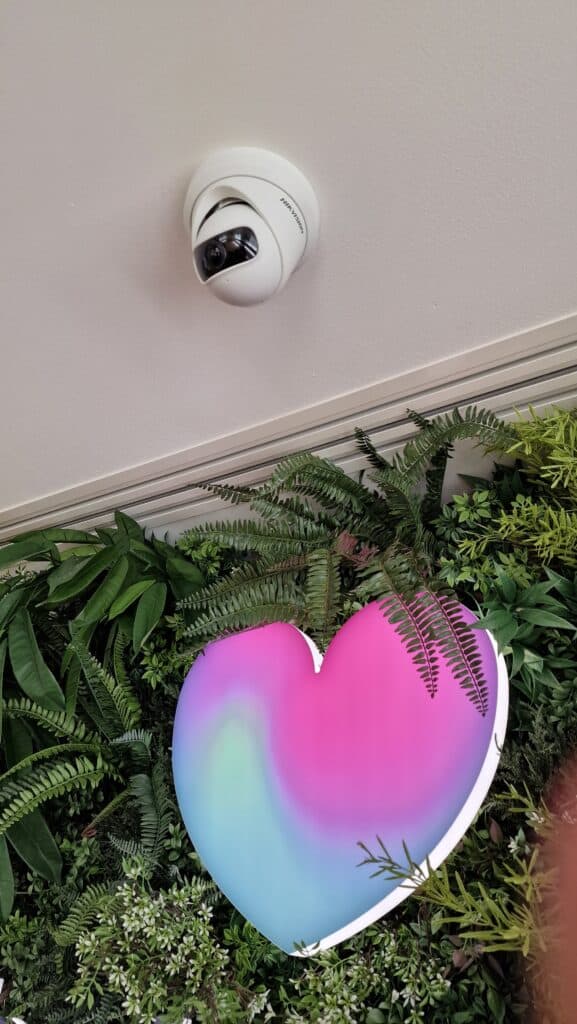
76 Hikvision CCTV cameras and 42 access-controlled doors across three sites.
Read the case study
Cat6A cabling, Wi-Fi and CCTV for a seasonal venue, including a -10°C ice bar.
Read the case studyCCTV camera types in detail
Dome cameras sit inside a tinted dome, which makes the lens direction hard to see and the camera harder to tamper with. They suit receptions, corridors, retail floors and covered entrances. Most are vandal-resistant and mount on ceilings or walls. Because they are discreet, they deter less than a visible bullet camera.
Typical uses include offices, schools, hospitals, shops and reception areas, where a low-profile camera suits the space.
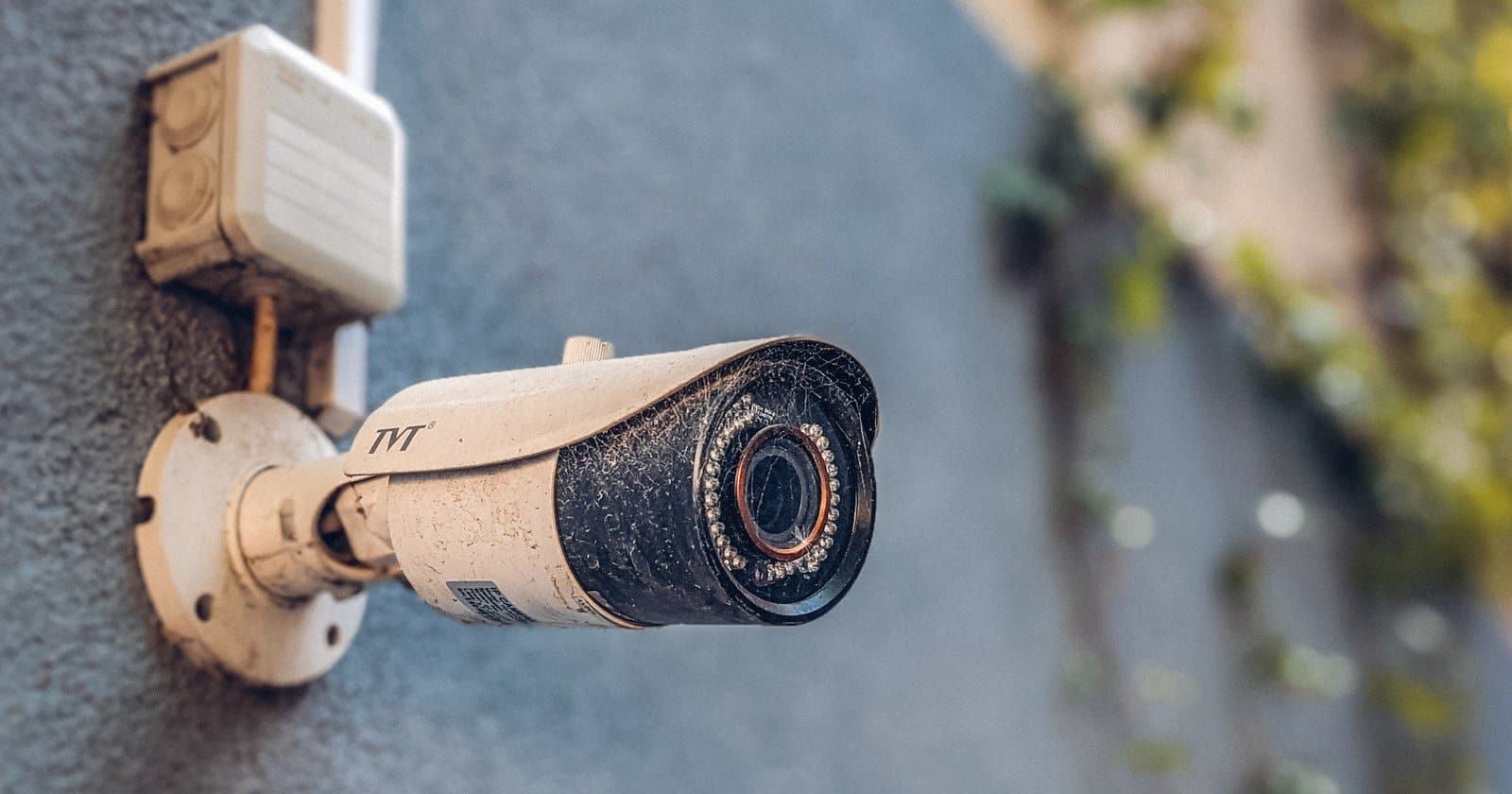
Bullet cameras are long and cylindrical, pointing in one clear direction. They suit car parks, perimeters, loading bays and long outdoor views, and their visible shape acts as a deterrent. They need a sturdy mount and a position that is hard to reach, as they are easier to knock out of alignment.
Longer lenses on bullet cameras give useful detail at distance, which helps along fences, driveways and yard perimeters.
PTZ cameras can be moved and zoomed remotely to follow activity across a large area, such as a yard, estate or car park. They are best when someone watches live or when preset tours are useful. A PTZ only sees one direction at a time, so it is normally paired with fixed cameras.
Many PTZ models also carry long-range infrared, with night vision up to 200m on some cameras, so distant activity stays visible in low light.
PTZ cameras can follow preset tours when nobody is watching and return to a home position, so key areas are still covered.
Turret cameras have a ball-shaped lens in an open mount. They are easy to aim, do not suffer from dome reflections at night, and suit both indoor and covered outdoor positions. They are less discreet than domes but harder to knock out of position than bullets.
Fisheye cameras give a full 360-degree view from one ceiling position, which suits open-plan offices, shops and warehouse floors. The image is dewarped in software. Detail at the edges of the view is lower, so they are better for overview than for identifying people.
Automatic number plate recognition cameras read plates for car park control, site entry and security. They need careful positioning, the right angle and dedicated lighting or infrared to read plates reliably at speed and at night.
Plate reads can be linked to an allow list to open barriers automatically for staff and visitors, with a record of every vehicle in and out.
Thermal cameras detect heat rather than light, so they see people, vehicles and hot equipment in darkness, smoke or fog. They suit perimeters, industrial sites and fire risk monitoring. They do not show faces or number plates, so they are used alongside standard cameras. See thermal imaging CCTV installation.
Kent EnviroPower’s Allington site is one example: ACCL replaced its thermal imaging cameras and upgraded the fibre behind them.
Day/night cameras switch from colour in daylight to black and white with infrared at night. They suit areas that need watching around the clock without extra lighting. Infrared range, reflections from nearby walls and glass, and the position of other lights all need checking at survey.
Day/night cameras are the usual choice for car parks, yards and building exteriors that are not lit all night.
Wireless cameras send video over Wi-Fi or a wireless link, which helps where cabling is difficult or the site is temporary. They still need power, and the wireless link has to be planned for range and interference. For most permanent sites, cabled IP cameras are more reliable.
Wireless suits car parks, gates, temporary sites and outbuildings where trenching for cable would cost more than the camera system itself.
IP cameras send video over the network and are usually powered by PoE through one cable, so the structured cabling and switch power budget matter. They give higher resolution, remote viewing and analytics. Analogue cameras need their own coaxial cabling and recorder, and are now mainly found on older systems.
Most new business systems are IP, because one network can carry cameras, recording and remote viewing, and cameras can be added as the site grows.
Choose the resolution and lens from the job each camera does. Detecting movement needs far less detail than recognising a face or reading a number plate at a distance. A varifocal or optical zoom lens lets the view be set on site. Placement matters as much as the camera: height, angle, backlight from windows and lighting at night all change what the camera can see.
Footage is recorded on an NVR or video management system, with retention set by the site’s needs. Some sites watch live on site, others use remote monitoring or alerts to a phone. See remote versus on-site monitoring and our CCTV maintenance guide.
Outdoor cameras need a weatherproof rating such as IP66 or IP67, and cameras within reach should be vandal-resistant, often rated IK10. Temperature range matters for unheated sites and cold stores.
Lighting decides image quality more than resolution does. Backlight from windows needs wide dynamic range, dark areas need infrared or extra lighting, and colour at night needs low-light sensors or white light. We check light levels at survey, ideally at the times the cameras matter most.
Start with the areas that matter: entrances and exits, reception, tills, stock areas, car parks and perimeters. Each position gets the camera type and lens for its job. Our guide to how many CCTV cameras a business needs goes into more detail.
Business CCTV must respect privacy and data protection rules: cameras should cover what is needed, signs should tell people CCTV is in use, and footage must be stored securely and kept no longer than necessary. Read our guide to CCTV in the workplace and employee rights.
One recorder or video management system can run domes, bullets, turrets, PTZ and thermal cameras side by side, so each position can use the right type. Choosing cameras that work with the same recording platform keeps management simple.
Older analogue systems can often be upgraded in stages. Existing coaxial cabling can sometimes be reused with HD analogue cameras, while new IP cameras need network cabling and PoE. See our guide to CCTV camera upgrades.
IP cameras run on the building network, so cameras, PoE switches, cabling and recorder storage are planned together. CCTV can also be linked with access control, so door events and video can be reviewed side by side.
Storage is set by the number of cameras, resolution, frame rate, recording mode and how long footage must be kept. Recording on motion and using efficient video compression extends retention without extra storage.
Ask whether the installer surveys each viewpoint, recommends cameras position by position, installs the cabling as well as the cameras, and hands over login details, drawings and a maintenance plan. ACCL is SSAIB certified for CCTV and access control and installs CCTV with the cabling behind it.
The government publishes recommended standards for the CCTV industry; ask any installer how their design meets them.
Mount cameras high enough to avoid tampering but low enough to capture faces, usually 2.5 to 3 metres for identification. Point them along corridors and at doors rather than into windows or bright sky, overlap views at entrances and exits, and cover the routes people take as well as the rooms.
Modern systems let authorised staff view live and recorded footage on a phone or computer, with alerts when a camera detects movement in a set area or goes offline. Access should be limited to named users with strong passwords and two-factor sign-in where the system supports it.
Cameras need regular checks: clean lenses and domes, confirm the views have not moved, check recording and retention, and keep firmware up to date. Our CCTV maintenance guide and 12 common CCTV problems explain what to look for.
Many IP cameras can detect people, vehicles or line crossing and send alerts, which reduces false alarms from moving trees or headlights. Analytics work best when the camera position, lens and lighting are planned for them from the start.
Before you book
Sometimes. Coaxial cable from an older analogue system can often carry HD analogue cameras, while IP cameras need network cabling with PoE. A survey checks the condition of the existing cabling before deciding.
Usually bullet or day/night cameras with infrared for general views, ANPR cameras at entry and exit points, and a PTZ where an operator watches a large area live.
Yes. Businesses should display clear signs that CCTV is in use, who operates it and how to contact them, and only cover the areas that are needed.
Only as long as you need it for the purpose of the system, often around 30 days for businesses. Set retention to match your policy and the storage you have.
Yes. Most IP systems allow secure remote viewing and alerts on a phone or computer for authorised users.
Usually fewer than people expect: entrances and exits, reception, any stock or equipment areas and the car park. Each position is chosen for what it must see.
It depends on the job. Watching for movement needs less detail than recognising faces or reading number plates. Most business cameras today are 4MP to 8MP, with the lens chosen for the distance to the target.
Day/night cameras with infrared see in the dark in black and white. Low-light colour cameras show colour in dim light, and thermal cameras detect people and heat with no light at all.
Neither is better overall. Domes are discreet and harder to tamper with indoors; bullets are visible deterrents with longer reach outdoors. Most sites use both.
Dome, bullet, PTZ, thermal, day/night and wireless. Most are now IP cameras that connect to your network.
Usually a mix: domes inside, bullets for car parks and perimeters, and PTZ or thermal where a large area needs watching.
IP cameras send video over the network, usually powered by PoE, and give higher resolution and easier remote viewing. Analogue cameras need their own cabling and recorder.
Yes. One recorder or video management system can run domes, bullets, PTZ and thermal cameras side by side.
Yes. We survey, supply, install and commission CCTV systems. See our CCTV installation service.

The team behind your CCTV system
ACCL designs and installs CCTV with the cabling behind it, so cameras, PoE and network are planned together. ACCL is SSAIB certified for security systems.
Wayne founded ACCL in 1997 and has led the delivery of commercial cabling and network infrastructure projects ever since, including 76 CCTV cameras across Babylon Health’s head office and clinics.
Free CCTV site survey
One of our engineers checks each viewpoint, the lighting and the cable routes at no cost and with no obligation.
Excellent · 60+ Google reviews · Founded 1997 · £10m liability cover
Expert Insights
Diagnose common camera, recording and picture faults, and know when to call in an engineer.
Read guide
Plan a commercial cabling project, from cable types and standards to installation and testing.
Read guide
Understand the key factors that determine commercial cabling costs and project budgets.
Read guideBrowse practical guidance, industry updates and planning tools for commercial network infrastructure projects.
Active Communication Company Ltd trades as ACCL, ACCL Data Cabling London and ACCL Data Cabling Kent · Commercial data cabling and network infrastructure specialists