Gard (UK), The Minster
22 Cat6A links to 11 Wi-Fi points over one weekend.

Wireless Network Installation & Support London
Survey-led office Wi-Fi across London, Surrey and Kent, designed for roaming, video calls, VoIP and device density.
22 Cat6A links to 11 Wi-Fi points over one weekend.
Coverage, AP positions, cabling and PoE checked first.
Each group gets its own SSID and VLAN.
Heatmaps, as-builts, PoE budgets and controller backups.
Recent office work: Tidraw, Old Street
Office Wi-Fi
ACCL installs Wi-Fi for offices that run video calls, VoIP and cloud apps all day. A site survey comes first, so access points, cabling and power are placed for coverage and capacity, and the system is tested and documented at handover.
Wireless design and governance for larger and multi-site organisations.
Explore corporate wireless →Predictive and physical surveys before any equipment is specified.
Explore Wi-Fi surveys →Access points, cabling, configuration, testing and handover.
Explore Wi-Fi installation →How the design changes for each sector.
Explore sector Wi-Fi →Recent projects
Offices and corporate workplaces.
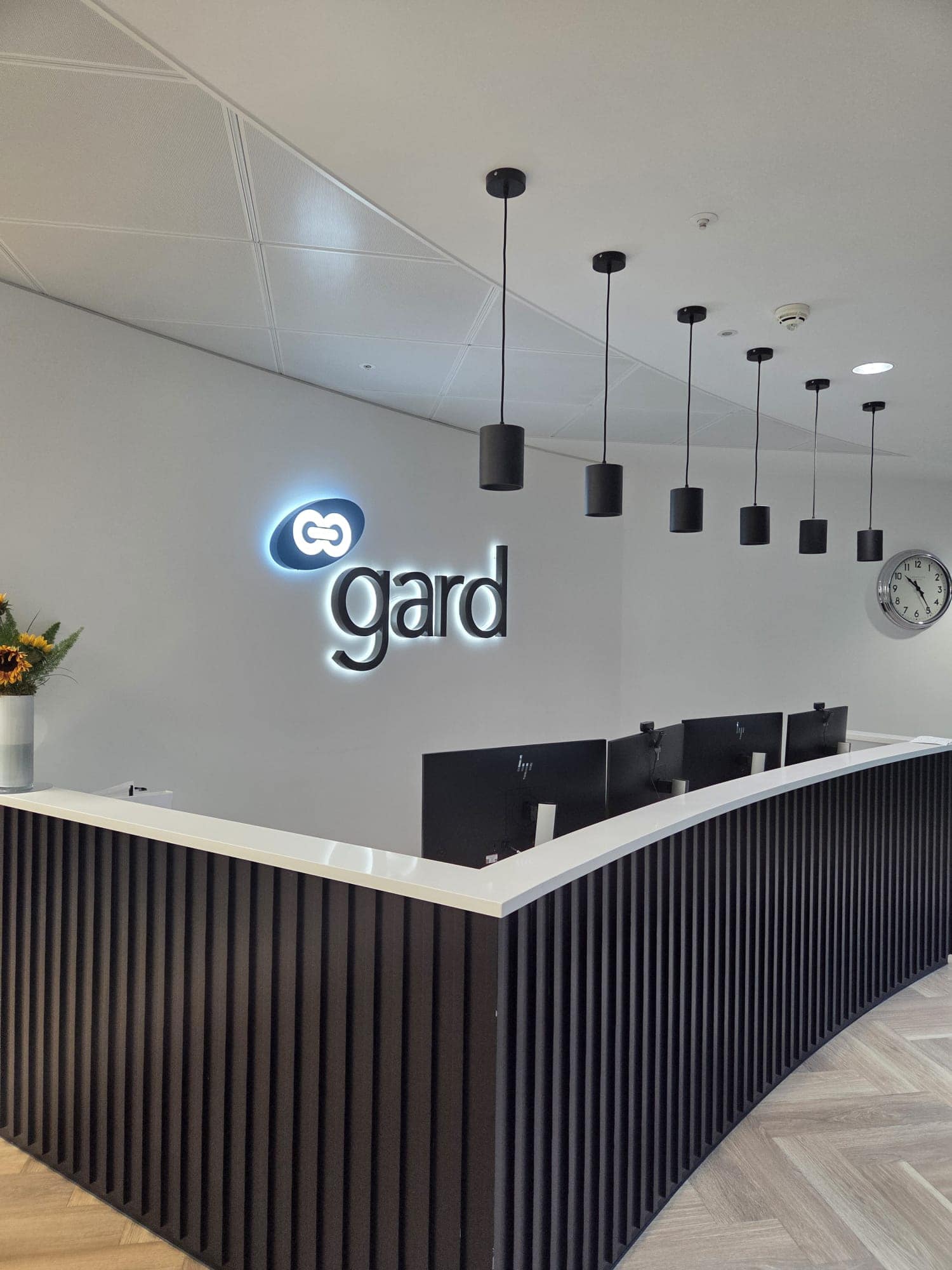
22 Excel Cat6A links to 11 Wi-Fi access point locations at The Minster Building, finished in a single weekend.
Read the case study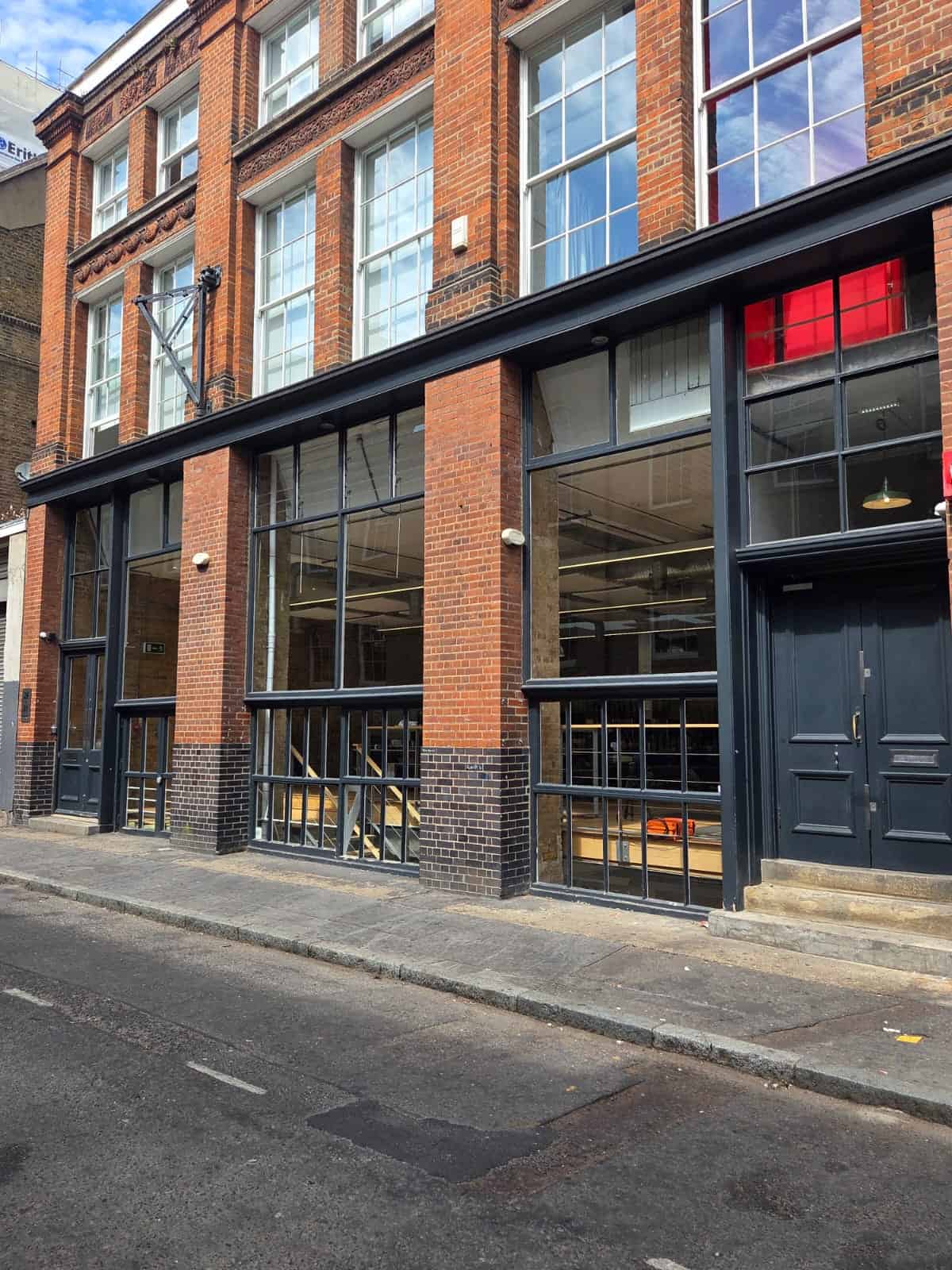
A Wi-Fi-first office network built against a ten-day deadline: Ekahau survey, seven Wi-Fi 7 access points and a temporary 5G line.
Read the case study
539 warranted Cat 6A links, wireless and CCTV cabling and a rationalised comms room, phased around a live fit-out.
Read the case study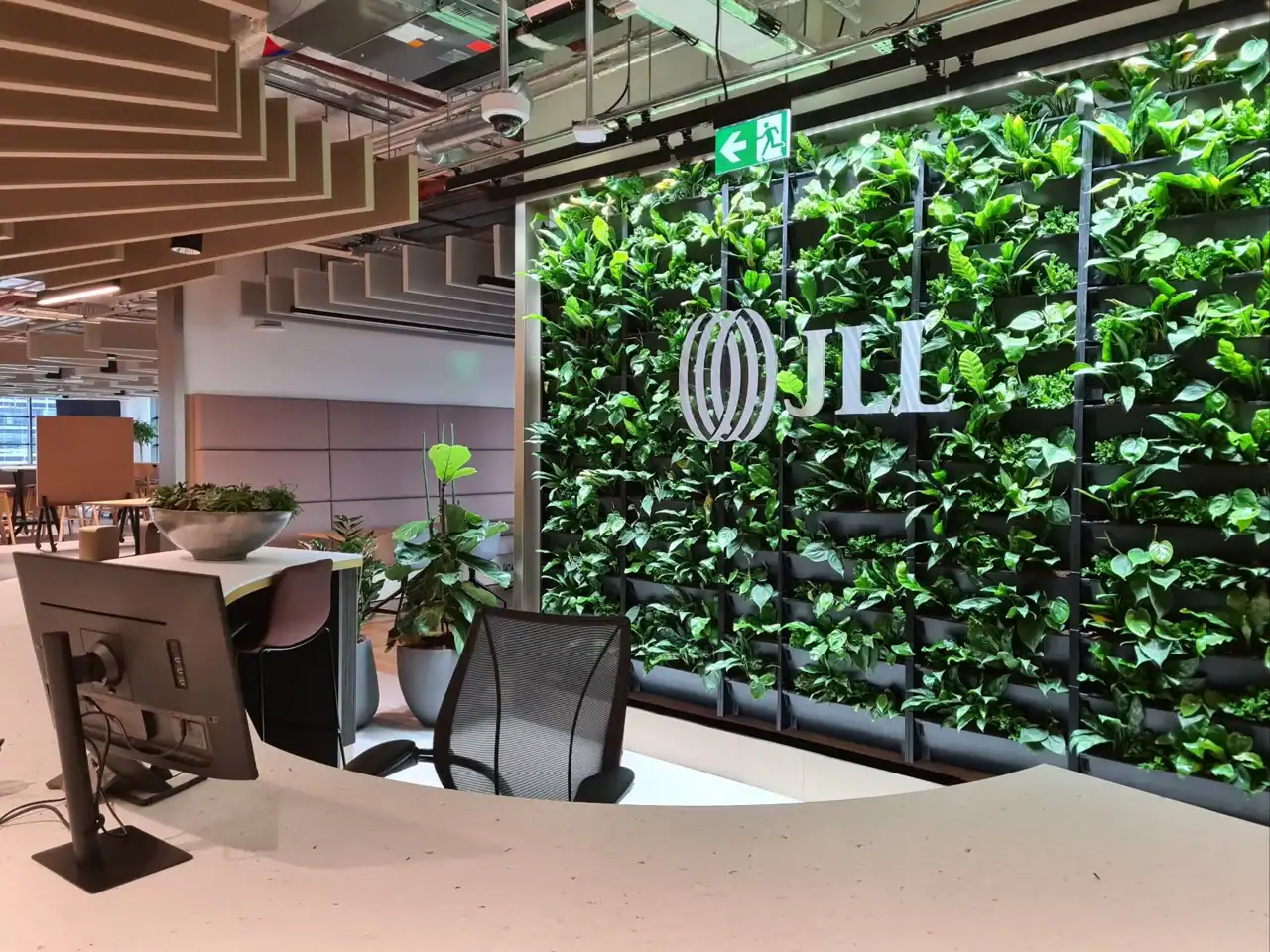
About 1,532 Cat6A outlets and a resilient dual-MER OM4 and copper backbone for JLL’s relocated office.
Read the case studyDelivered in London offices
Wi-Fi installation guide
Office Wi-Fi installation must support meetings, hot-desking and everyday mobility without hiding problems in the wired network. ACCL measures the radio environment and checks switches, uplinks, cabinets and cable routes before specifying access points.
Staff, Guest and Devices or IoT traffic each get their own SSID, VLAN and access rules, while voice and video can use QoS alongside suitable rate limits and authentication.
At Gard (UK), The Minster, ACCL installed 22 Cat6A links to 11 Wi-Fi points over one weekend. Clients have left ACCL 60+ Google reviews.
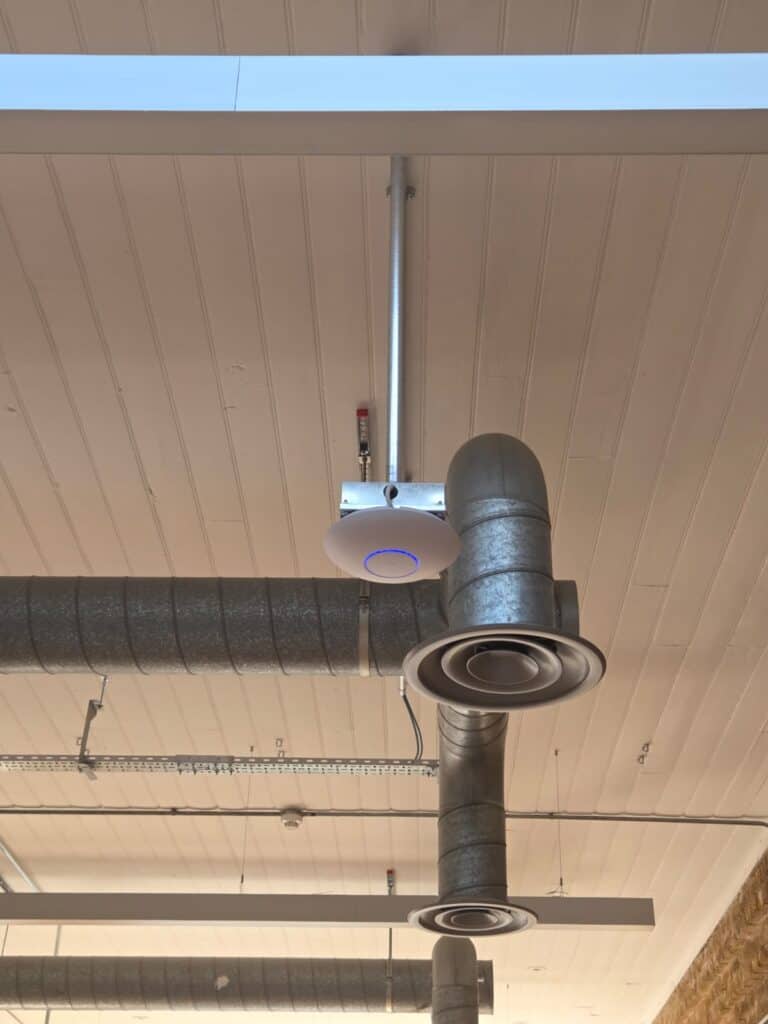
Steel, glass and dense partitions absorb or reflect RF, leaving meeting rooms and desk areas with dead zones or jitter. A neat access point grid cannot account for that attenuation without measurements from the occupied floor.
Devices can cling to a distant AP when channel plans and transmit power are left untuned. Minimum data rates, band steering and power settings help compatible clients move between cells without random drop-offs.
Wireless speed is also limited by the connection beneath each access point. A 100 Mb/s run, an undersized uplink or a low PoE budget can flatten throughput when several rooms are busy.
Long patch leads, heat and unknown cabinet routes create intermittent faults that users experience as Wi-Fi problems. The cabinet and backhaul therefore form part of the survey rather than a separate afterthought.
The survey maps attenuation, interference and the areas where people work or meet. Proposed AP positions are checked against open plan areas, meeting rooms, hot-desking zones and expected client density.
Each access point needs a suitable switch position, power budget and route back to the cabinet. Multi-gig uplinks are used where the device model and expected demand require them, with fibre or copper selected for the distance and capacity.
Channel plans, minimum data rates, band steering and transmit power are configured for capacity and roaming. Staff devices can use WPA2-Enterprise/802.1X, with RADIUS where included in the design.
Future-ready planning allows for denser layouts, office moves, new SSIDs and tri-band or 6 GHz APs without treating those later changes as part of the current installation.
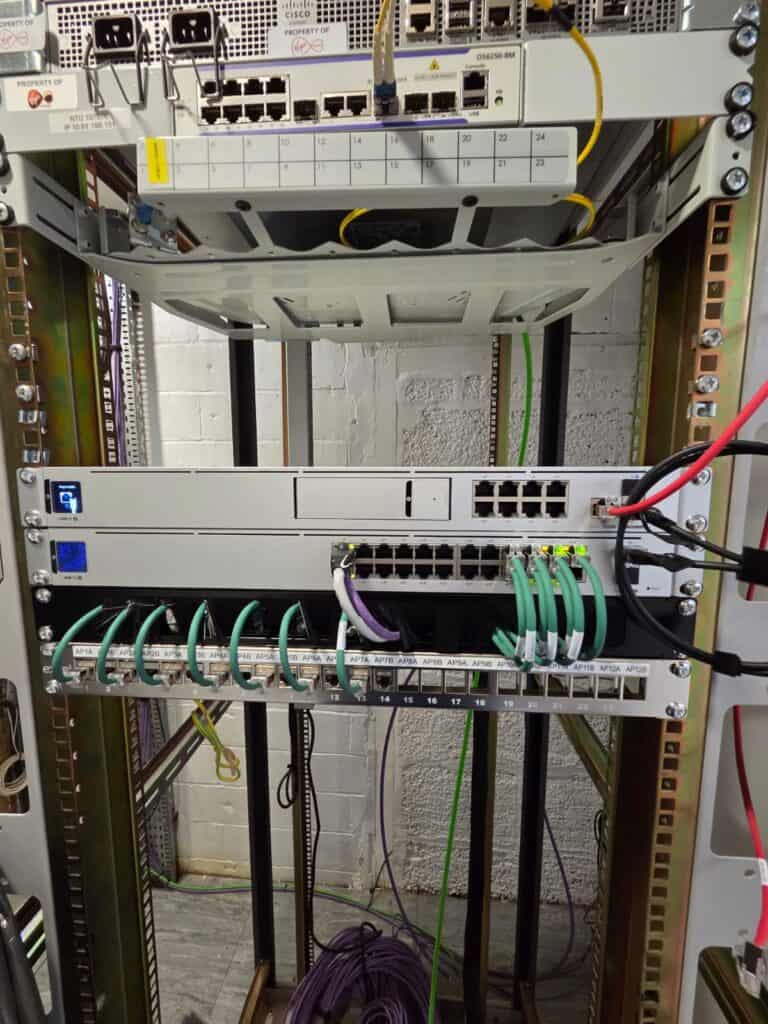
The finished system can combine indoor, meeting-room and high-density APs according to the measured demand. Every office AP receives clean, certified cabling of the correct category, connected through a labelled outlet to tidy patching and a ventilated cabinet.
Controller configuration can include SSIDs, VLANs, RADIUS, guest portals, QoS, rate limits, health thresholds and rogue-device detection. Fibre or copper backhaul is sized for peak use, with diverse routes considered where practical.
Office handover records can contain controller backups, admin credentials, heatmaps, as-builts, patching matrices and PoE budgets. Labels and the naming scheme give the IT team a clear route from the controller to the outlet and cabinet.
Installation is phased across floors and neighbourhoods so occupied parts of the workplace can remain available. Work areas are separated, reinstated daily and coordinated with facilities teams, building security and landlord rules.
Noisy tasks are planned for evenings or weekends. Suitable quiet work can take place during business hours when the area and method have been agreed.
Existing networks stay live while each zone is installed, tested and handed back. If a cabinet needs remedial work, it is sequenced before wireless go-live so the new APs start on a stable wired layer.
Staff services are kept apart from Guest and Devices or IoT traffic through the configured SSID, VLAN and identity policies. A branded captive portal can be added for visitors where it forms part of the brief.
CCTV, access control and signage can share the physical infrastructure while using documented policies and pathways. This reduces overlap between workplace systems without merging their traffic.
New penetrations are fire-stopped, and LSZH materials are used where required. Audit-ready evidence includes certification results, drawings and change logs for internal governance and external assessments.
Before you book
Yes. Work is phased so each zone can be installed, tested and returned before staff use it, with disruptive tasks placed outside working hours.
No. Test results decide whether an existing run remains, based on stability, PoE delivery and throughput, and only unsuitable links are replaced.
No. Guest access uses dedicated SSIDs and VLANs with policy controls, separate from staff services and connected workplace devices.
The survey models concurrency in those rooms, then sets the AP density, channel plan and QoS needed for voice and video.
Office documentation can cover controller backups, PoE tables, heatmaps, as-builts, patching matrices and the agreed administrator information.
A office Wi-Fi survey is free of charge and the itemised quote arrives before any work starts. A fixed-price proposal follows within 48 hours of receiving your office floor plans. How long the work takes depends on the size of the site and working hours and the move schedule, so the phasing is agreed with facilities and IT managers at survey.

The team behind your Wi-Fi project
Wayne Connors founded ACCL in 1997 and has led our commercial cabling projects ever since. We’re a member of the London Chamber of Commerce and Industry.
Free Wi-Fi site survey
One of our own engineers surveys your site at no cost and with no obligation.
Excellent · 60+ Google reviews · Founded 1997 · £10m liability cover
Expert Insights

A checklist for judging whether your office Wi-Fi needs an upgrade, and what to check first.
Read guide
Which office devices should be wired and which can be wireless, and why.
Read guide
What Wi-Fi 6E and Wi-Fi 7 deliver, how they differ and how to prepare.
Read guideBrowse practical guidance, industry updates and planning tools for commercial network infrastructure projects.
Active Communication Company Ltd trades as ACCL, ACCL Data Cabling London and ACCL Data Cabling Kent · Commercial data cabling and network infrastructure specialists