Construction sites, pop‑up sites, festivals, temporary workplaces – they all share the same modern challenge: you still need fast, reliable, secure connectivity, even though the site itself isn’t permanent.
Site managers, project teams and contractors now expect to:
- Access cloud project management tools and BIM models
- Run video calls and remote inspections
- Use IP CCTV and access control for safety and security
- Connect tablets, scanners, laptops and mobile devices
- Provide guest or contractor Wi‑Fi in controlled areas
But in many locations there’s no fixed line yet, no existing cabling, and sometimes patchy mobile coverage. That’s where temporary and remote site connectivity comes in.
In this guide we’ll walk through, in practical terms:
- What temporary site connectivity actually involves
- The most common options (and their pros and cons)
- How to design a robust temporary network for construction sites and events
- Typical pitfalls to avoid
- How ACCL delivers rapid‑deploy connectivity solutions on real projects
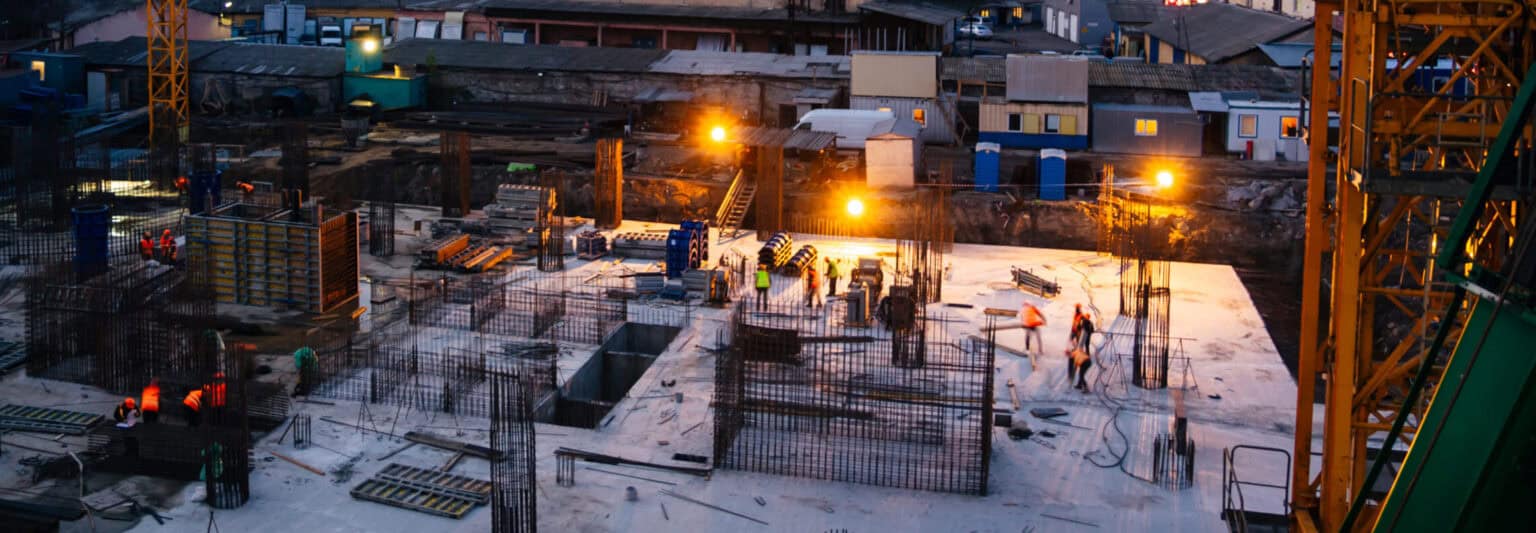
Typical connectivity challenges on construction sites and temporary locations
Before we look at solutions, it’s worth understanding the constraints that make these projects different from a standard office Wi‑Fi installation.
1. No fixed line – yet
In many cases:
- The build is ahead of the fibre or leased line installation
- Wayleaves and landlord permissions are still being processed
- The main comms room doesn’t exist in its final form
But your team needs connectivity now, not in six months.
2. Difficult physical environments
Construction sites and outdoor events can involve:
- Temporary cabins and portacabins
- Steel structures and heavy plant
- Dust, vibration and temperature changes
All of which can affect both wireless performance and the lifespan of equipment if it isn’t chosen and mounted carefully.
3. Moving targets
As the project progresses:
- Cabins are relocated
- Site boundaries change
- New areas open up that also need coverage
The network needs to flex without needing to be re‑designed from scratch every time something moves.
4. Multiple stakeholders
You may need to provide connectivity for:
- Your own staff
- Main contractors and subcontractors
- Security teams and monitoring centres
- Site visitors and inspectors
Each of these groups may need different access levels and security policies, but all expect Wi‑Fi that ‘just works’.
Connectivity options for temporary and remote sites
Most real‑world projects combine several of these options into a tailored solution. Here’s a simple overview, in non‑technical terms.
1. 4G / 5G routers and gateways
Often the fastest way to get online is via the mobile network:
- Business‑grade 4G/5G routers with external antennas
- Multiple SIMs for resilience or extra bandwidth
- Option to bond multiple mobile links for better performance
Pros
- Very quick to deploy – ideal for short notice sites
- No need to wait for fixed line installations
- Scales easily for smaller sites and pop‑up events
- Very quick to deploy – ideal for short notice sites
Cons
- Performance depends on local mobile coverage and mast load
- Data usage must be managed to avoid bill shock
- For large projects, you may outgrow mobile‑only solutions
- Performance depends on local mobile coverage and mast load
4G/5G is often used as the primary link in early phases, or as a resilient backup once a fixed line is live.
2. Temporary fixed lines (fibre / broadband)
Where timelines allow, you can request:
- Temporary fibre circuits
- Business‑grade broadband to site cabins
Pros
- Higher and more consistent bandwidth than mobile in many areas
- Predictable costs with business SLAs
- Higher and more consistent bandwidth than mobile in many areas
Cons
- Lead times can be long, especially on greenfield sites
- May require wayleaves, civils work or landlord permissions
- Needs careful planning so connectivity is live when you need it
- Lead times can be long, especially on greenfield sites
On multi‑year projects, temporary fixed lines often provide the backbone once they’re available, with other technologies bridging the gap in the meantime.
3. Point‑to‑point wireless links
If you have an existing building nearby with good connectivity, you can beam the network to your site wirelessly.
- Uses directional antennas to create a high‑speed link between two points
- Can span anything from tens of metres to several kilometres
Pros
- No need to wait for new circuits at the temporary site
- Very high speeds possible if designed correctly
- Ideal for connecting remote compounds back to a main office or data centre
- No need to wait for new circuits at the temporary site
Cons
- Requires line‑of‑sight between locations
- Needs solid mounting points and careful alignment
- Can be affected by future building works if not planned carefully
- Requires line‑of‑sight between locations
ACCL delivers exactly these kinds of solutions through our point‑to‑point wireless link installations, often used to bring enterprise‑grade connectivity to construction compounds and satellite buildings.
4. Local Wi‑Fi and wired distribution
Once you’ve got internet to site (via mobile, fixed line or wireless link), you still need to distribute it around the cabins and working areas:
- Enterprise‑grade Wi‑Fi access points across offices, welfare areas and meeting rooms
- Structured cabling between cabins or containers
- Switches and PoE powering access points and IP devices
This is where good local network design matters just as much as the uplink. A strong incoming connection is wasted if the on‑site Wi‑Fi is patchy or overloaded.

Step 2: Define usage and critical applications
Next, we look at what you actually need the network to do, for example:
- How many staff and contractors will be on site at peak times?
- Which applications are mission‑critical (e.g. project management platforms, remote desktop, VoIP)?
- Are you running IP CCTV and access control over the network?
- Do you need guest Wi‑Fi for visitors or public areas?
If security is a priority – and it usually is on these sites – we may also discuss tying in wireless CCTV camera installations so cameras and connectivity are planned together, rather than as separate afterthoughts.
Step 3: Survey and check available options
Where possible, we:
- Check mobile coverage and mast density for 4G/5G
- Review line‑of‑sight possibilities for point‑to‑point links
- Assess the feasibility and lead times of temporary fixed lines
- Inspect cabin layouts, power availability and safe cable routes
A short on‑site survey gives us real‑world information to design around, similar to the approach used in our dedicated Wi‑Fi site surveys for permanent buildings.
Step 4: Choose the right mix of technologies
Based on the above, we design a solution that balances speed, resilience and cost. For example:
- Phase 1: 4G/5G as primary connectivity for early site set‑up
- Phase 2: Point‑to‑point wireless back to a main office when cabins are in place
- Phase 3: Temporary fibre circuit added for long‑term bandwidth, with mobile retained as backup
Within the site, we design:
- Wi‑Fi coverage for all required cabins and welfare areas
- Segregated networks for staff, contractors, guests and security systems
- Structured cabling routes between cabins and core equipment locations
Our structured data cabling team ensures that on‑site cabling is neat, labelled and robust – even in temporary environments.
Step 5: Build in security and segregation from day one
Temporary doesn’t mean insecure. A good design will:
- Separate staff, contractor and guest traffic onto different VLANs and SSIDs
- Isolate security systems (CCTV, access control) from general user traffic
- Use strong encryption and authentication, not just a shared Wi‑Fi password
- Provide secure remote access for head office or monitoring teams
This is particularly important where you’re transmitting camera feeds, site access data or project documentation back to central systems.
Step 6: Plan for growth, moves and demobilisation
Finally, we treat the network like the project: it will change.
We plan:
- Spare capacity in switches, PoE and wireless coverage for extra cabins or site areas
- Re‑usable equipment that can move with you to the next site
- A structured demobilisation plan so equipment is safely recovered and redeployed
The aim is to avoid buying “one‑off” gear that can’t be reused, while still delivering exactly what this specific project needs.

Mistake 2: Ignoring security because “it’s only temporary”
Attackers and misconfigurations don’t care whether your project is 3 months or 3 years. Using open Wi‑Fi or a single shared password for everyone on a busy site is asking for trouble.
Always:
- Separate guests from corporate traffic
- Protect security systems on their own network segments
- Use strong authentication wherever practical
Mistake 3: Not planning beyond week one
It’s easy to design for the initial set‑up and forget that:
- More cabins will be added
- The site boundary may move
- Additional contractors will demand access
If every change requires “bolt‑on” fixes, your network will become fragile and hard to manage. Designing with growth and rearrangement in mind avoids that.
Mistake 4: No visibility or monitoring
Without basic monitoring and documentation:
- Nobody knows if a link is becoming saturated until users complain
- It’s hard to troubleshoot when something goes wrong
- Knowledge disappears when a key person leaves the project
A professional installation will include, at minimum, clear documentation and simple ways to check health and utilisation.
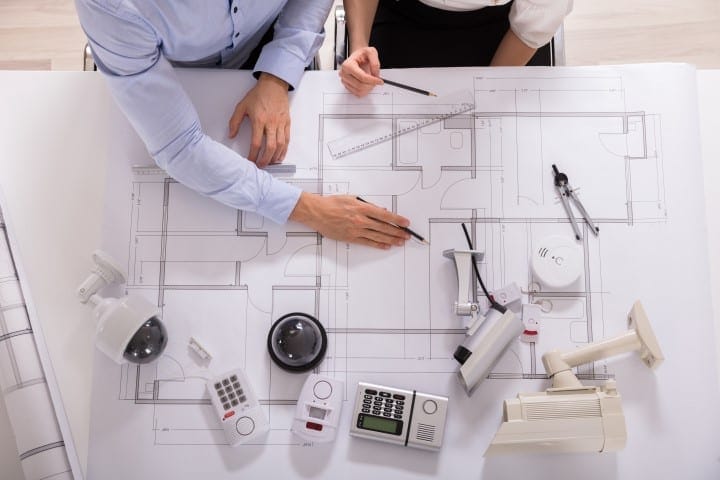
Temporary doesn’t have to mean unreliable. With the right mix of technologies and a survey‑led design, your construction sites, events and remote compounds can enjoy office‑grade connectivity – keeping your teams productive and your projects on track.
If you’re planning a new site or struggling with an existing one, ACCL’s engineers are ready to help you design and deploy a temporary connectivity solution that works from day one and adapts as the project grows.

FAQ – Temporary and Remote Site Connectivity
How quickly can temporary connectivity be set up for an event or construction site?
This depends on the method chosen – a cellular or point-to-point wireless link can often be deployed within days, while a cabled solution requiring containment or trenching takes longer to plan and install. A site visit early in the planning process helps identify the fastest realistic option.
What connectivity options are available where there is no existing infrastructure?
Options include 4G/5G cellular routers, point-to-point wireless links between buildings or compounds, and temporary cabled runs using surface-mounted or armoured cable where a physical connection is needed.
Can temporary connectivity support Wi-Fi for staff and visitors across a large site?
Yes, wireless access points can be deployed and backhauled via cable or point-to-point links to provide coverage across compounds, marquees or construction site offices, sized to the expected number of users.
Is temporary site connectivity reliable enough for critical business use?
With the right design – redundant links, adequate signal strength and appropriate equipment for outdoor or site conditions – temporary connectivity can be made reliable enough for day-to-day business and event operations, though it is assessed case by case during the site survey.
Is 4G/5G enough for a busy site?
It can be, particularly in the early stages or on smaller projects. For larger sites with heavy cloud usage, lots of IP CCTV or many users, 4G/5G is often used alongside point‑to‑point links or temporary fibre to provide extra bandwidth and resilience.
Can we reuse the equipment on our next site?
Yes – if the network is designed with reuse in mind. Business‑grade routers, switches and access points can usually be redeployed, with only cabling and some site‑specific hardware being project‑specific.
How do we provide guest Wi‑Fi without risking our systems?
The key is segregation. Guests and short‑term contractors should use a separate SSID with internet‑only access, isolated from your core corporate and security networks by VLANs and firewall rules.
Do we need a full wireless survey for every temporary site?
Not necessarily, but a short, focused survey and design exercise at the start of a major project can save a lot of firefighting later. For large or complex sites, this is almost always worth the small upfront effort.
See it in practice: our Portsmouth warehouse fit-out shows the kind of fast-turnaround, site-based connectivity planning this involves. See also our structured data cabling hub.


Written by
Wayne founded ACCL in 1997 and has led more than 28 years of project delivery, helping organisations design, install and modernise the network infrastructure behind reliable connectivity, office moves and refurbishments. His experience spans copper cabling, fibre backbones, data centre infrastructure, Wi-Fi, CCTV and access control. About ACCL