RAF Museum London
Cabling and fibre behind a major exhibition redevelopment.

Wireless Network Installation & Support London
Survey-led Wi-Fi for museums and galleries, designed around heritage fabric and changing exhibitions.
Cabling and fibre behind a major exhibition redevelopment.
Discreet AP positions agreed with curators and conservation.
Guest traffic apart from staff, retail and PoS.
Run-book, heatmaps, as-builts and controller backups.
Recent museum work: University of Oxford Museums
Museum and gallery Wi-Fi
ACCL surveys, designs and installs Wi-Fi for museums, galleries and heritage venues. The design covers ticketing, visitor access, retail and staff systems, while access points, cable routes and working methods are planned around sensitive spaces and changing exhibitions.
Wireless design and governance for larger and multi-site organisations.
Explore corporate wireless →Predictive and physical surveys before any equipment is specified.
Explore Wi-Fi surveys →Access points, cabling, configuration, testing and handover.
Explore Wi-Fi installation →How the design changes for each sector.
Explore sector Wi-Fi →Recent projects
Museums, galleries and heritage sites.
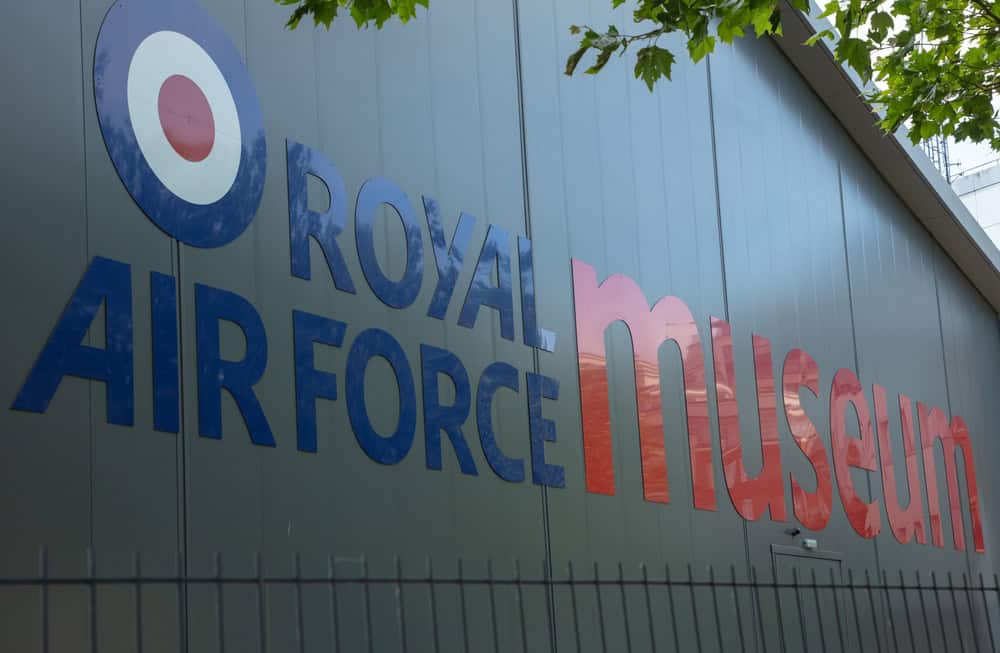
The structured cabling and fibre platform behind a major technology-led exhibition redevelopment.
Read the case study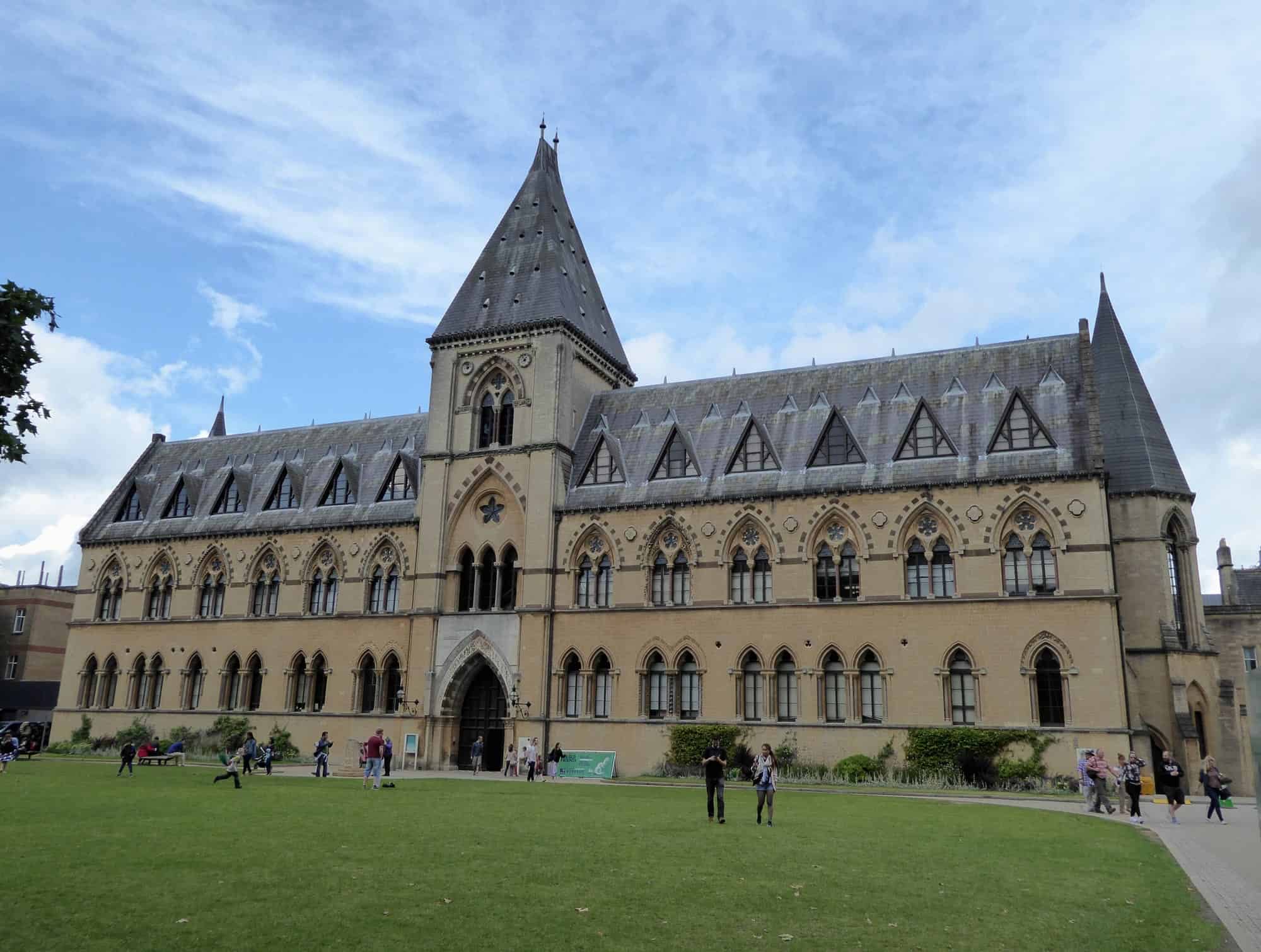
Network infrastructure audited and rationalised across four museums and the Botanic Garden, with cabinets consolidated and legacy fibre modernised.
Read the case study
New structured and fibre optic cabling across a historic walled garden without compromising its listed buildings.
Read the case study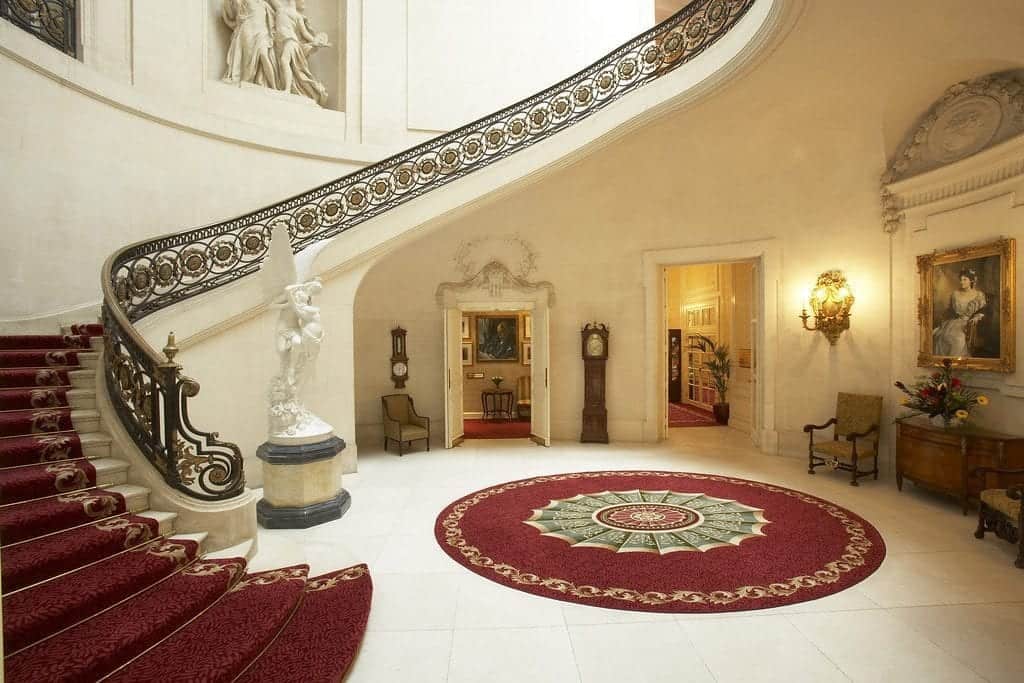
A new underground fibre backbone bringing resilient voice and data connectivity to a Grade I listed historic estate.
Read the case studyWi-Fi installation guide
Museum Wi-Fi installation has to respect the building and collections while serving visitors, staff and changing exhibitions. ACCL agrees acceptable finishes, blackout dates, access rules and sensitive areas with curatorial, conservation, security, retail and IT teams before installation begins.
Coverage is planned for ticketing, admissions, galleries, stairwells, offices, stores, workshops, courtyards and queues. Spare outlets and flexible AP positions allow exhibit layouts to change without assuming that every future show uses the same floor plan.
ACCL provided cabling and fibre behind a major exhibition redevelopment at RAF Museum London. The company also has 60+ Google reviews.
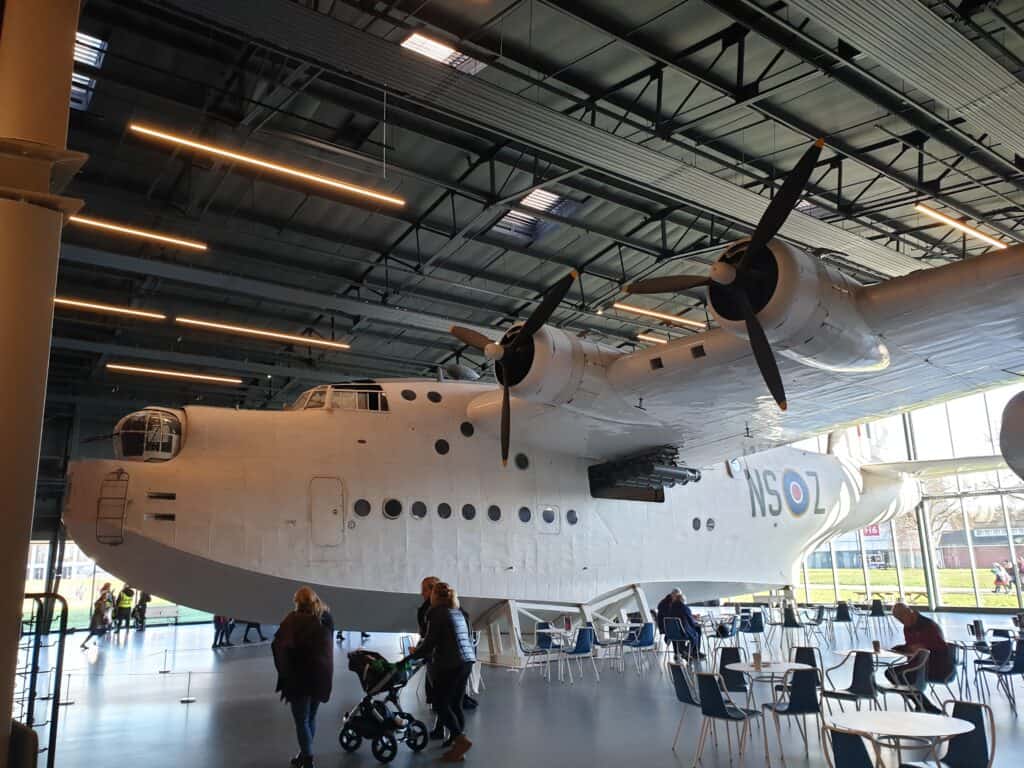
Thick walls and steel or glass features scatter and absorb RF, producing dead zones through galleries and stair cores. On-site readings show how the actual heritage fabric affects proposed access point positions and the SNR available to visitor devices.
Rotating exhibits can alter cell boundaries or hide equipment that worked for an earlier layout. Flexible positions and spare outlets make it possible to adjust coverage without adding visible infrastructure for every changeover.
Backhaul and PoE can restrict performance even when radio coverage appears strong. Risers, cabinets, pathways, switch power and uplinks are checked so each AP has the wired capacity it needs.
One flat network exposes Staff, Guest, Retail or PoS and Devices or IoT traffic to unnecessary broadcast noise. Separate SSIDs, VLANs and policies keep those uses distinct.
A curatorial and operations workshop maps high-footfall routes, sensitive rooms, visitor journeys, exhibit positions and approved finishes. The programme also records induction requirements and times when work cannot take place.
The RF survey measures attenuation and interference in galleries, stairwells and public spaces. For a refurbishment or new build, predictive modelling uses the drawings before the design is validated during installation.
Dense visitor rooms often use 20 MHz channels, with transmit power, minimum data rates and airtime tuned for the space. 802.11k/v and 802.11r where supported help compatible devices roam between floors and galleries.
Staff devices can use 802.1X, while Guest, Staff, Retail or PoS and Devices or IoT groups receive their own SSID and VLAN policies. Guest access can include rate limits and ACLs.
Future-ready museum planning considers how later tri-band or 6 GHz APs could serve denser exhibitions and changing visitor devices.
The access point mix can include discreet corridor positions, low-profile public-area units and weather-rated APs for courtyards or external queues. Placement protects the agreed décor while still serving visitor and operational routes.
Each museum AP is served by clean, certified cabling, a labelled outlet and a power budget matched to the selected equipment. Ventilated cabinets and resilient fibre or copper backhaul support the access layer, with diverse routes considered where practical.
Controller policies can cover SSIDs, VLANs, guest portals, QoS, monitoring and alerts. The changeover run-book sits alongside patching matrices, an AP inventory, heatmaps, PoE budgets, as-builts and controller backups.
Read the Royal Air Force Museum London case study for a published example from a comparable heritage venue.
Noisy or dusty work is placed in evening or overnight windows. Quiet tasks can take place during opening hours when the work zone is safely separated from visitors.
Sealed zones, dust control, agreed fixings and daily clean-downs protect nearby spaces. Mock-ups can be used where a curator needs to approve the appearance before repeated fixings are installed.
New penetrations are reinstated for fire stopping, with LSZH materials used where required. Method statements and inductions follow the venue’s public-access and collection rules.
Privacy and GDPR requirements are supported by guest portals and logs configured for minimal data collection, with clear signage where appropriate.
Ticketing, admission scanners and retail PoS use low-latency network groups separate from public guest access. This prevents visitor demand from sharing the same policy as transactions.
Digital exhibits, media walls, audio guides and beacons need coverage planned around the exhibit technology and visitor devices. IoT sensors and conservation equipment can use a restricted segment in conservation labs and other sensitive rooms.
CCTV, access control and door systems can share coordinated cabling routes while retaining their own policies. Staff coverage extends through offices, stores and workshops with 802.1X where included in the design.
Before you book
Yes. Quiet work can proceed inside an agreed, separated zone, while noisy or dusty activities are scheduled for evenings or overnight.
No. Corridor or concealed positions can serve several spaces when the RF survey confirms that the building fabric and layout allow it.
No. A museum guest policy assigns public traffic its own SSID and VLAN, away from Staff, Retail and connected-device services.
No. Sound links are tested and reused, with additions or replacements made where PoE, stability or throughput requires them.
The changeover pack can contain its run-book, controller backup, heatmaps, as-builts, patching matrix and PoE budget records.
A museum Wi-Fi survey is free of charge and the itemised quote arrives before any work starts. A fixed-price proposal follows within 48 hours of receiving your museum floor plans. How long the work takes depends on the size of the site and opening hours and gallery closures, so the phasing is agreed with the collections and facilities teams at survey.
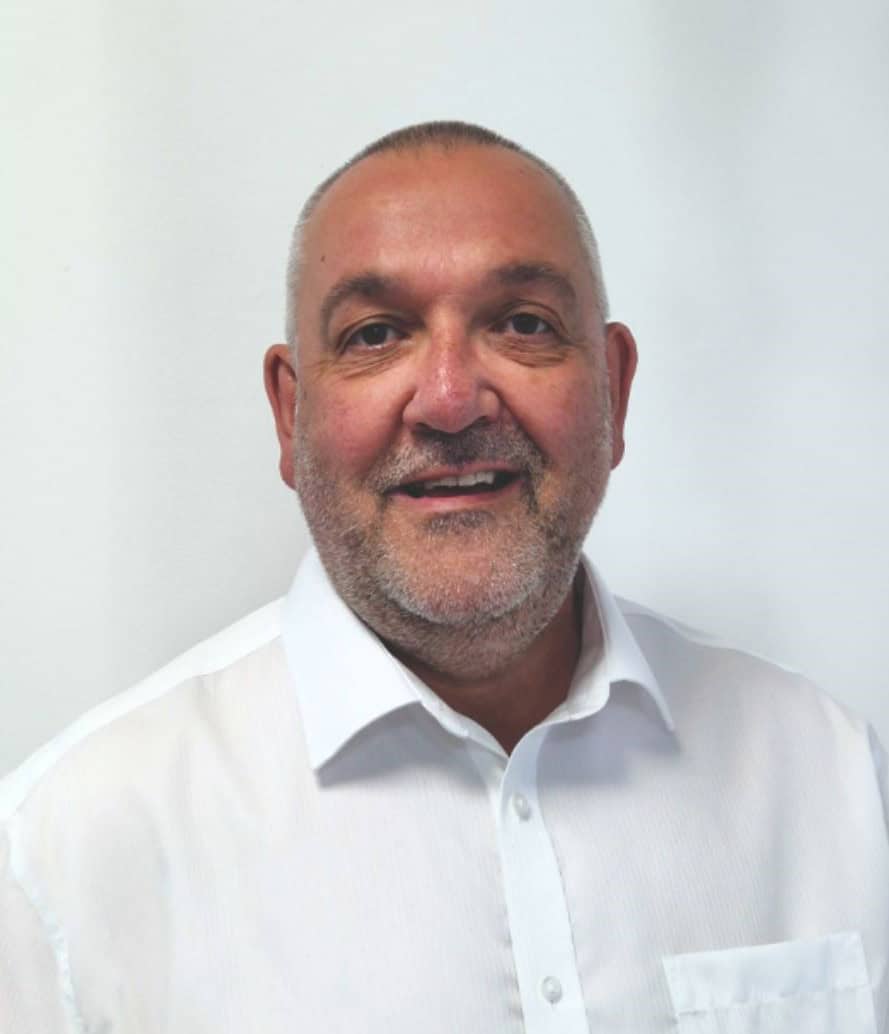
The team behind your Wi-Fi project
Wayne Connors founded ACCL in 1997 and has led our commercial cabling projects ever since. We’re a member of the London Chamber of Commerce and Industry.
Free Wi-Fi site survey
One of our own engineers surveys your site at no cost and with no obligation.
Excellent · 60+ Google reviews · Founded 1997 · £10m liability cover
Expert Insights
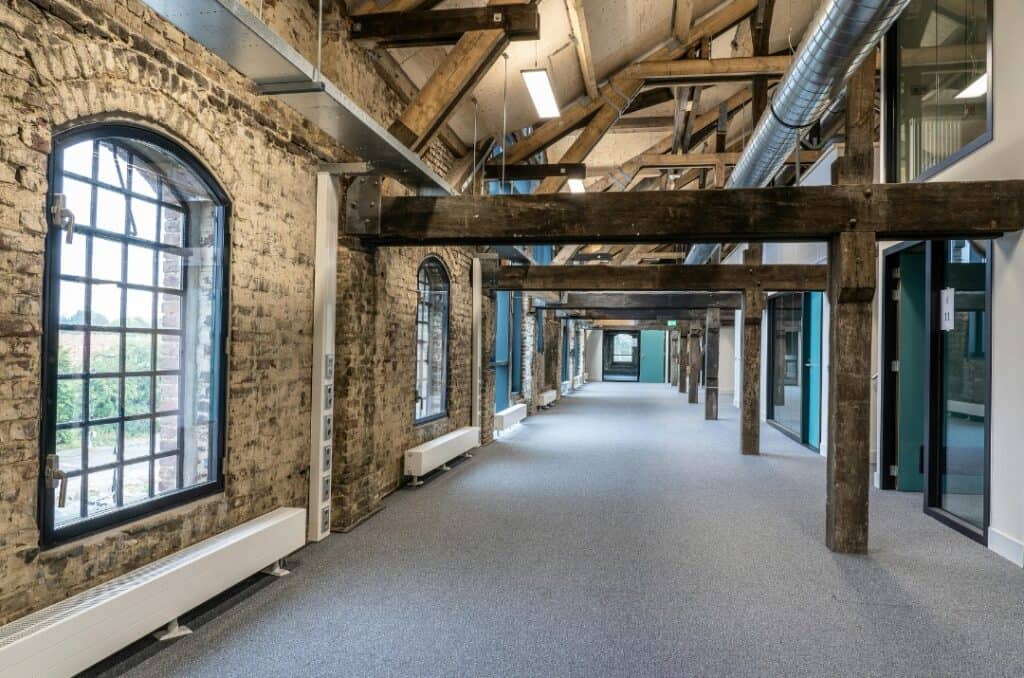
What to consider when upgrading network cabling in historic or older buildings.
Read guide
Why Wi-Fi black spots appear in offices and what causes them.
Read guide
Why a site survey gives you the data to design Wi-Fi around how your building really behaves.
Read guideBrowse practical guidance, industry updates and planning tools for commercial network infrastructure projects.
Active Communication Company Ltd trades as ACCL, ACCL Data Cabling London and ACCL Data Cabling Kent · Commercial data cabling and network infrastructure specialists